EasyManua.ls Logo

2Go Products Diever - Page 4

Default Icon
12 pages
Print Icon
To Next Page IconTo Next Page
To Previous Page IconTo Previous Page
Loading...
© 2Go Products, LLC 3
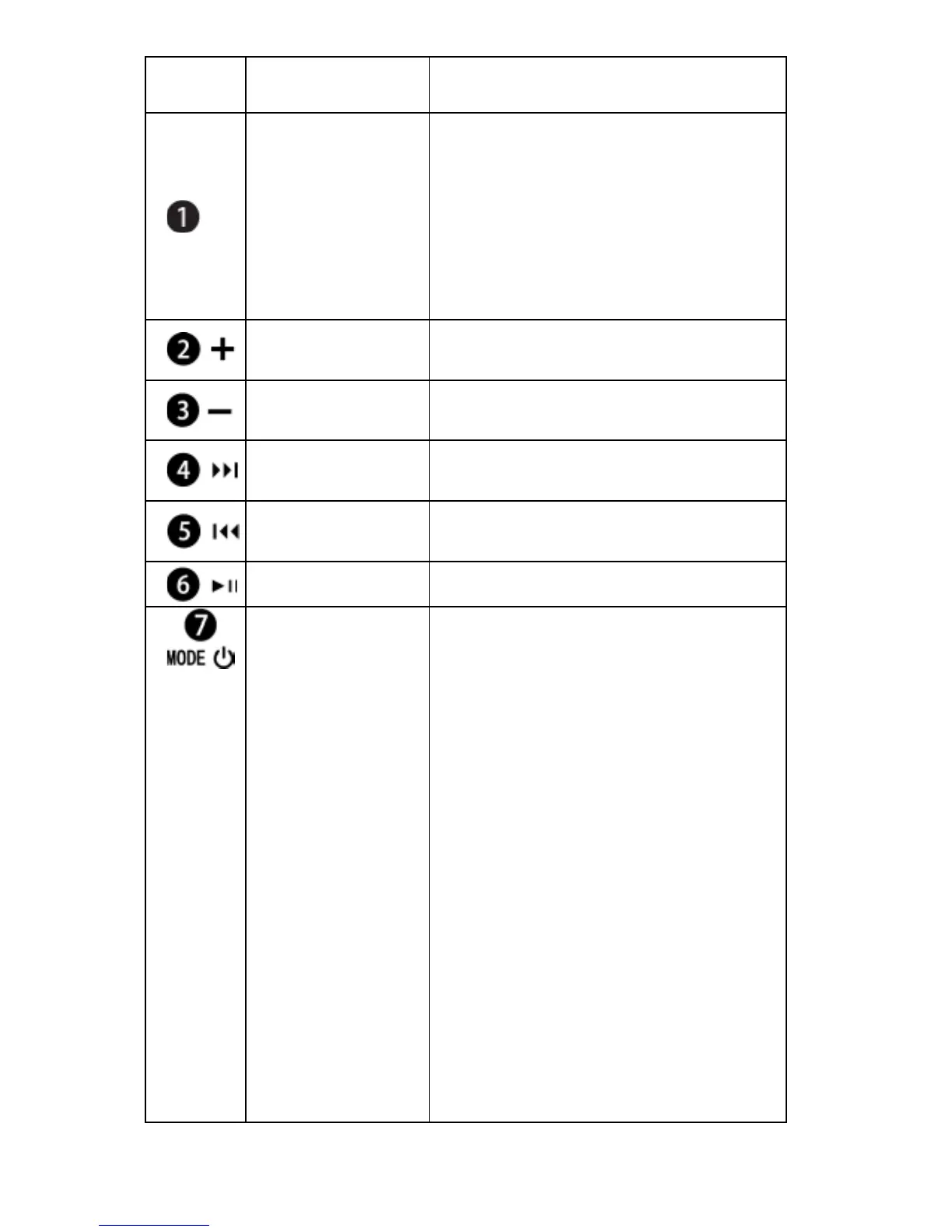
No. Name Function Descriptions
Earphone
plug
(USB Port /
Charger
Socket)
For earphones connecting
to the player
For extension cable
connecting to the player
For USB cable connecting
to PC and recharging the
built-in battery.
Volume Up
Press the button to
increase volume.
Volume
Down
Press the button to reduce
volume.
Select Track
(Forwards)
Press the button to forward
to the next track.
Select Track
(Backwards)
Press the button to go
back to the previous track.
Play
Playback start/pause.
Power/Mode
LED indicator
Power on/off (press and
hold for 5 sec)
Press the button to change
playback mode (LED
flashes red when the
player is in normal mode
and flashes blue when in
Random mode)
Recharging: The LED
indicator stays on red
when recharging. It turns
to blue when the batter y is
fully charged. When the
MP3 player is unplugged
from PC or power socket,
the player switches off
automatically.