© 2Go Products, LLC 4
2 Operation Instructions
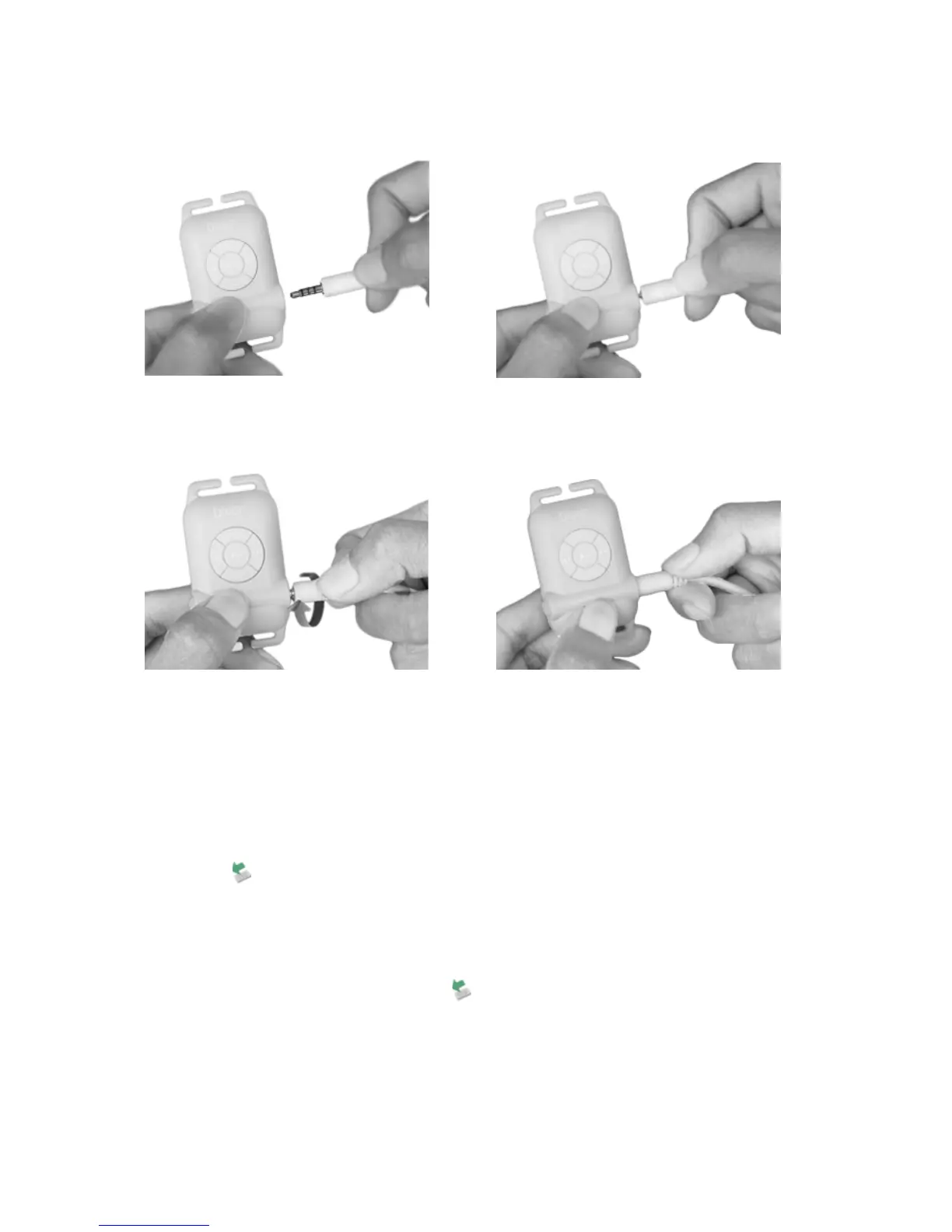
2.1 Insert USB/Earphone cable into the MP3 Player
2.2 Copying MP3 Files from PC to the MP3 Player
• Use the USB cable to connect the player to a PC USB
port.
• A ” “icon appears at the right bottom of the Tool Bar.
A “Removable Disk” icon also appears in “My
Computer”.
• Use the File Manager to copy files to the player.
• Then double-click the “ “ icon at the right bottom of
the Tool Bar to safely disconnect the MP3 connection.
When the “This Disk Has Been Disabled Successfully”
dialog box appears, disconnect the player from the USB
port.



 To Next Page