© 2Go Products, LLC 6
4 Troubleshooting
4.1 I can’t turn on the MP3 player
This can be caused by lack of electricity. Connect to your PC
to recharge using the USB cable.
4.2 The player shuts down after it is turned on
This can be caused by low battery. Connect to your PC to
recharge using the USB cable.
4.3 I can’t charge my player using USB cable
• Make sure that you use the provided USB cable.
• Use the USB cable to connect the player to your PC
and check that the computer recognizes the player.
• Make sure the cable is properly inserted (see 2.1).
• Reset the player by pushing the pin into the earphone
jack.
4.4 There is no sound when the player is on
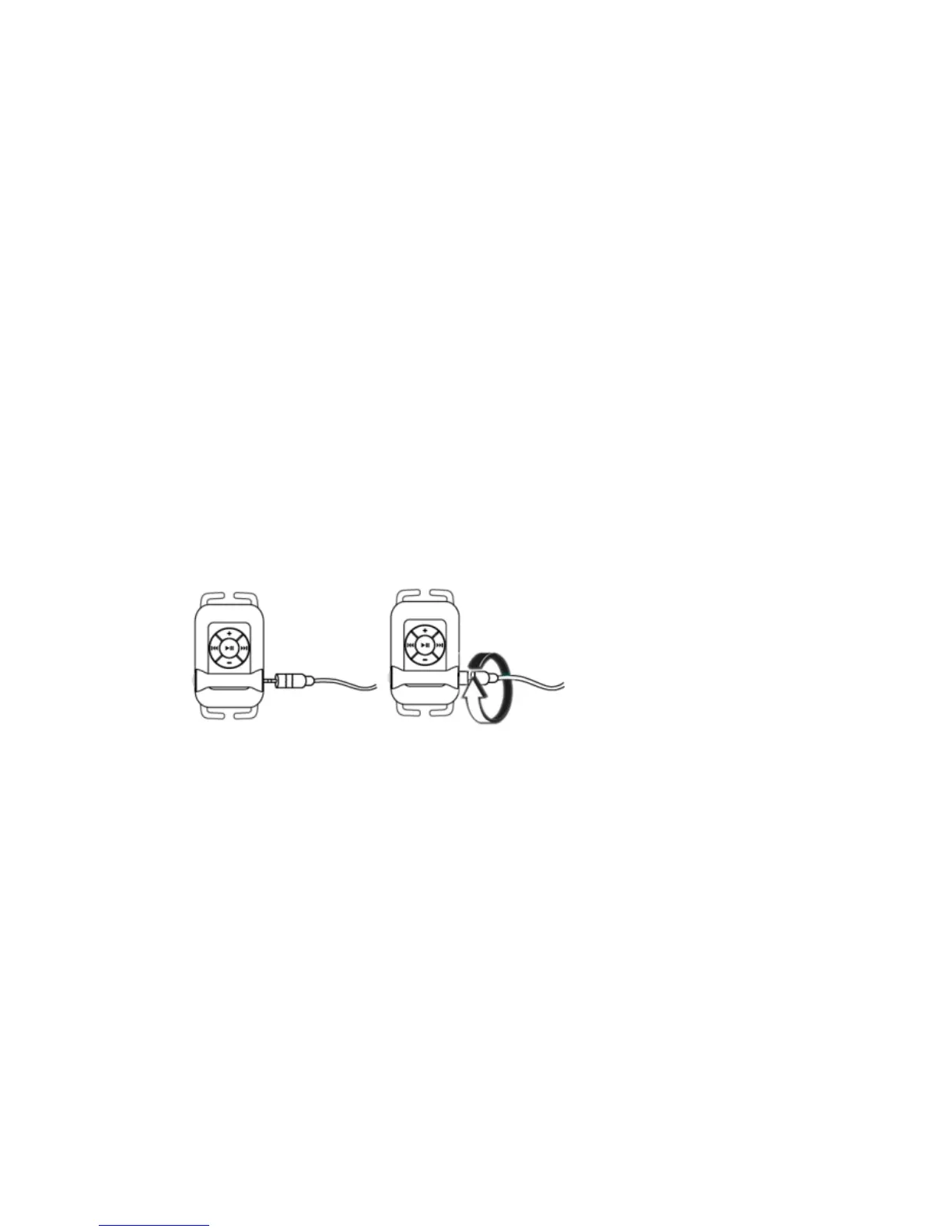
• Make sure the earphones are properly plugged /
screwed into the earphone jack.
• Only play MP3 or WMA songs. Other formats like MP4,
WAV, AVI, WMV and I-Tunes will not work.
• If you use the waterproof earphones, make sure to twist
it clockwise tightly into the earphone jack.
• The volume might be too low. Press Volume Up "+"
button to increase the volume.
Make sure that the
cable is twisted
clockwise tightly into
the earphone jack!



 To Next Page