Testing Your Blood Glucose
21
STEP 6
The application shows counting prog-
ress during 5 seconds.
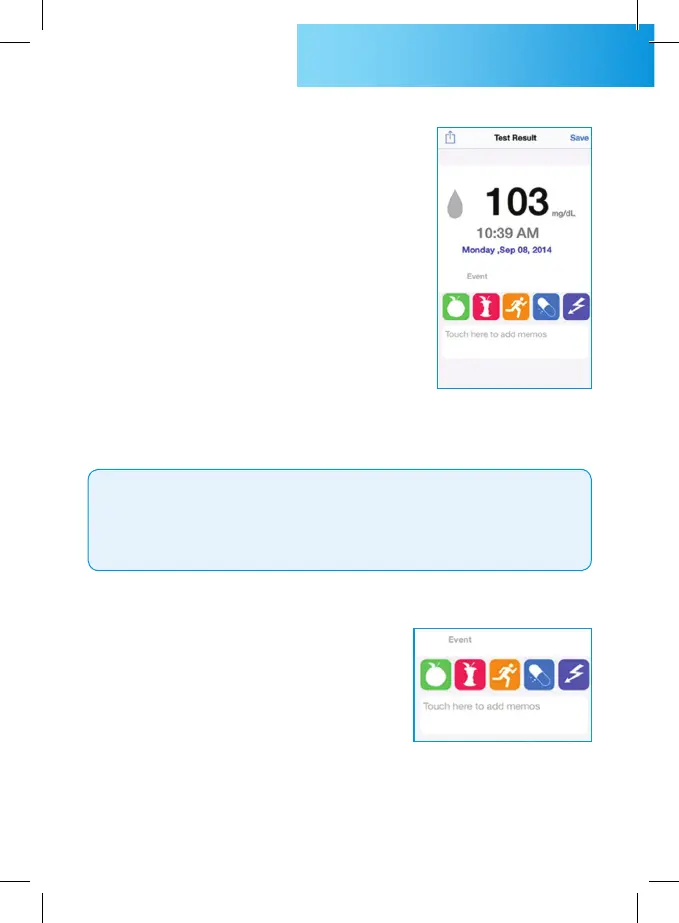
STEP 7
Your blood glucose test result is
displayed, and stored into your smart
phone.
• When the test result is above 600 mg/dL (33.3 mmol/L),
“HIGH” is displayed.
• When the test result is lower than 10 mg/dL (0.6 mmol/L),
“LOW” is displayed.
CAUTION
STEP 8
You can add a note to a test result by
selecting appropriate icon (pre meal,
post meal, exercise, medication and
stress) or typing your own comments.
STEP 9
Remove the used test strip and click “save” button to store test
result.



 To Next Page