29
STEP 2
By touching each of these results on a list shows a detailed
information of result.
Action button is to transfer the test results by
E-mail of SMS. To secure the private information,
using cellular data is recommended instead of Wi-
Fi.
IMPORTANT
STEP 3
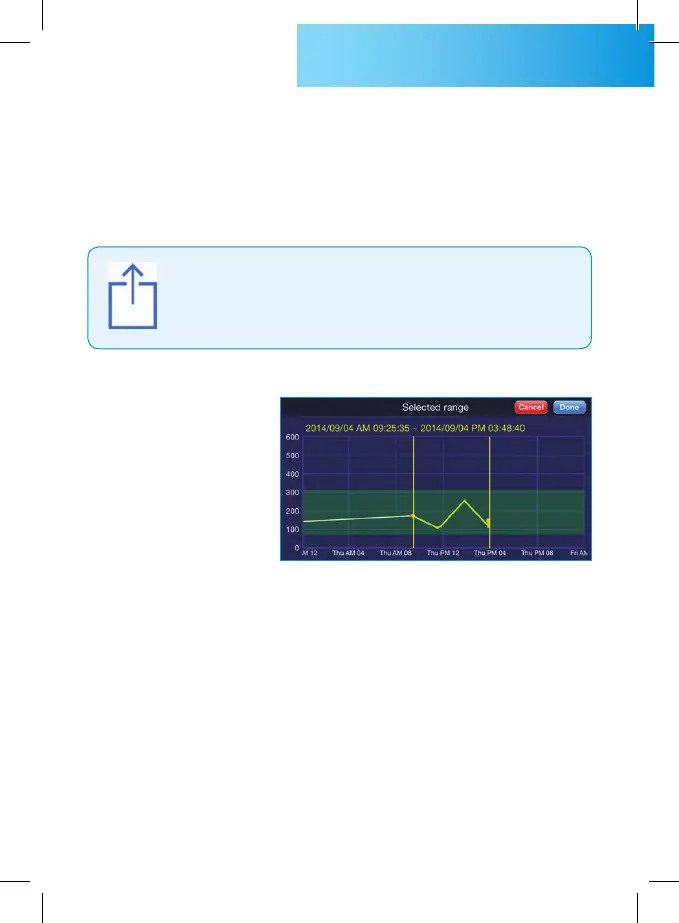
When you rotate the smart phone to horizontally, the graph
shows glucose test results at a horizontal axis which represents
time and at a vertical axis which represents glucose level. The
graph shows the glucose test results and trend by easy view.
STEP 4
Touching the buttons at the top of the graph will change the
zoom-level of the graph and shows the average during specific
period.



 To Next Page