6
Speed Dial
To configure the speed dial buttons:
1. Press the Call button in the idle state and then click the DSS key button found via the menu: Settings > Properties
> DDS Keys. All of the 27 configurable buttons can be seen here.
2. Select the required DSS key and move to the Modify option to open the key configuration.
3. Select Speed dial from the Type field, select an account from the Account field and enter a number into
the Value field.
4. Press OK in the right-hand upper corner for confirmation.
Device Parameters
Dimensions: 259.4 x 220 x 215 mm
Weight: 1275 g
Temperature range for proper operation: 0–40 °C
Relative humidity: 10–95 %
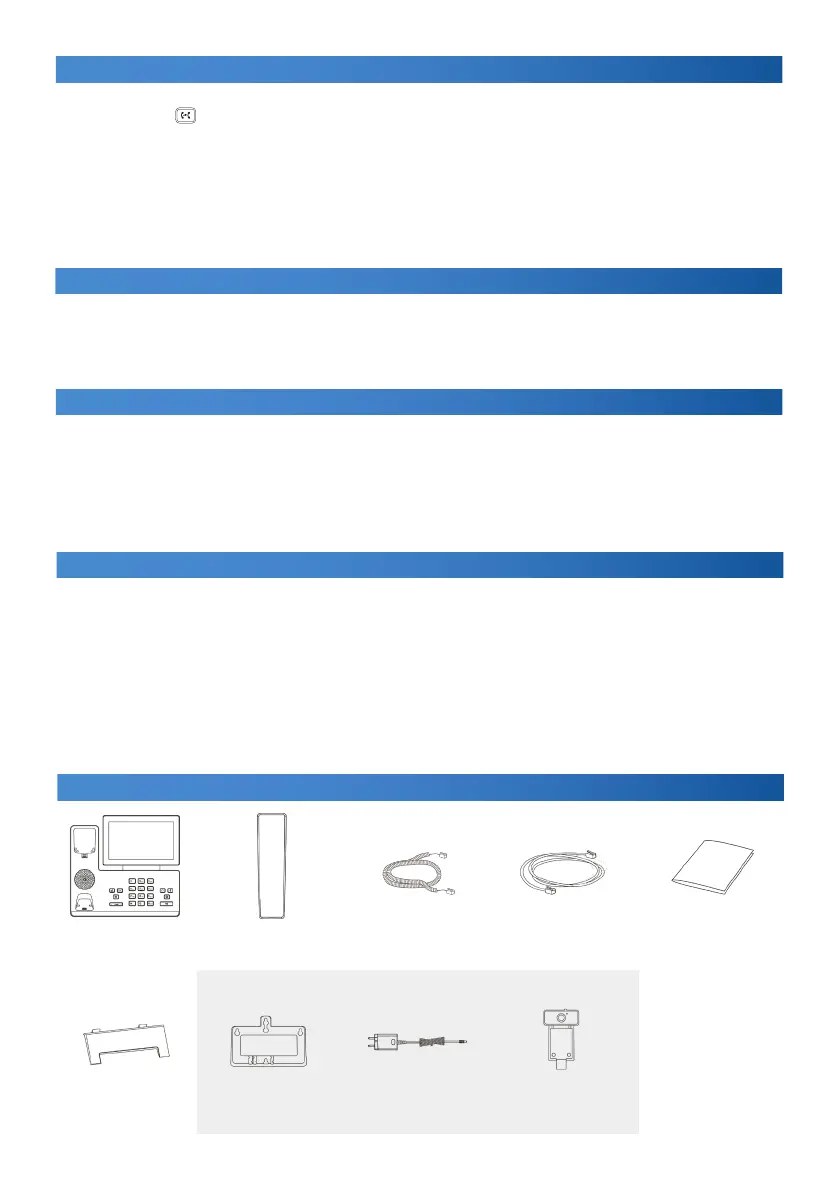
Obsah balení
IP telefon telefonní sluchátko kabel ke sluchátku ethernetový kabel (2 m) návod ke snadné
obsluze
stojánek držák na stěnu napájecí adaptér CAM50 kamera
VOLITELNÉ - NENÍ SOUČÁSTÍ BALENÍ
CZ
Call Forwarding
To turn on call forwarding:
• Press in the idle state.
To turn on call forwarding:
1. Settings > Properties > Forwarding.
2. Select the required forwarding type.
Always – incoming calls are always forwarded.
On busy – incoming calls are forwarded when the line is busy.
On no answer – incoming calls are forwarded when not answered within a timeout.
a) Enter the number for forwarding. Select the ringing time for On no answer before forwarding.
b) Press OK in the right-hand upper corner for confirmation.
Conference Call
1. Press the Conference button during a call. The call will be held.
2. Select the other user or select a phonebook contact and press the Conference button.
3. Once the other user answers, press the Conference button again. Now all the users are parties to the conference.
4. Hang up the handset to disconnect all the participants.



 To Next Page