Quick Dial Button Settings
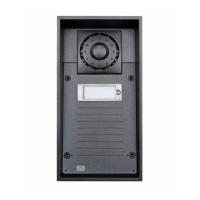
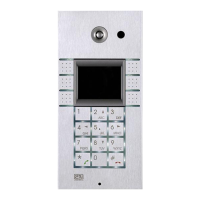
All the models are equipped with quick dial buttons. If you press a quick 2N Helios IP
dial button, a call will be set up to the phone number assigned to the respective Users
list position.
Select position 1, which corresponds to quick dial button 1, in the Directory Users/
menu.
Enable the position in the field and enter the called station phone Position Enabled
number into the parameter in the section.Phone Number User Phone Numbers
You can also use the intercom with one or more IP phones without a SIP 2N Helios IP
server. Use the for outgoing calls and enter the called phone SIP Direct SIP Call
address (sip:phone_number@phone_ip_address) instead of the phone number.


 To Next Page
 Loading...