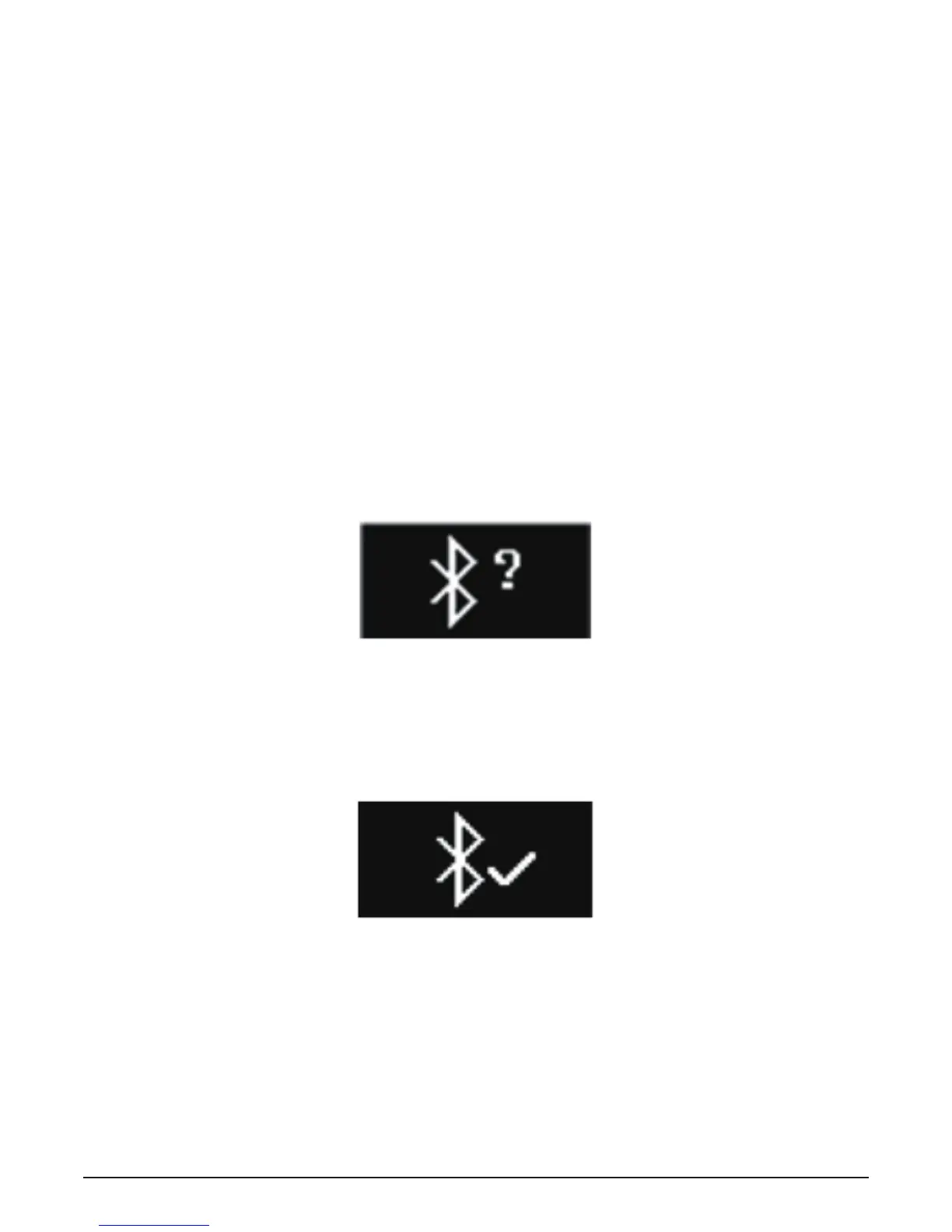
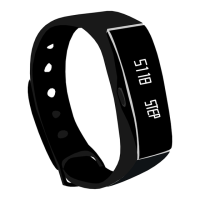
Connect the APP
1. Turn on the Bluetooth function of your mobile device;
2. Turn on the 3PLUS ELITE App on your mobile device;
If you are a new member, please register or log on via an
existing account. After inputting your personal information,
please click the setup;
3. Please make sure the bracelet is close to the device, and
select LITE from the Bluetooth list;
4. The pairing demand will be displayed on your mobile device.
Press the watch screen to accept the pairing;
5. After pairing successfully by the bracelet, your bracelet and
mobile device will receive a notice.
If the pairing fails, please repeat the same step.
The pairing is a one-time process. If you want to pair with the
watch with other accounts, please cancel the existing pairing
first.
9


 To Next Page