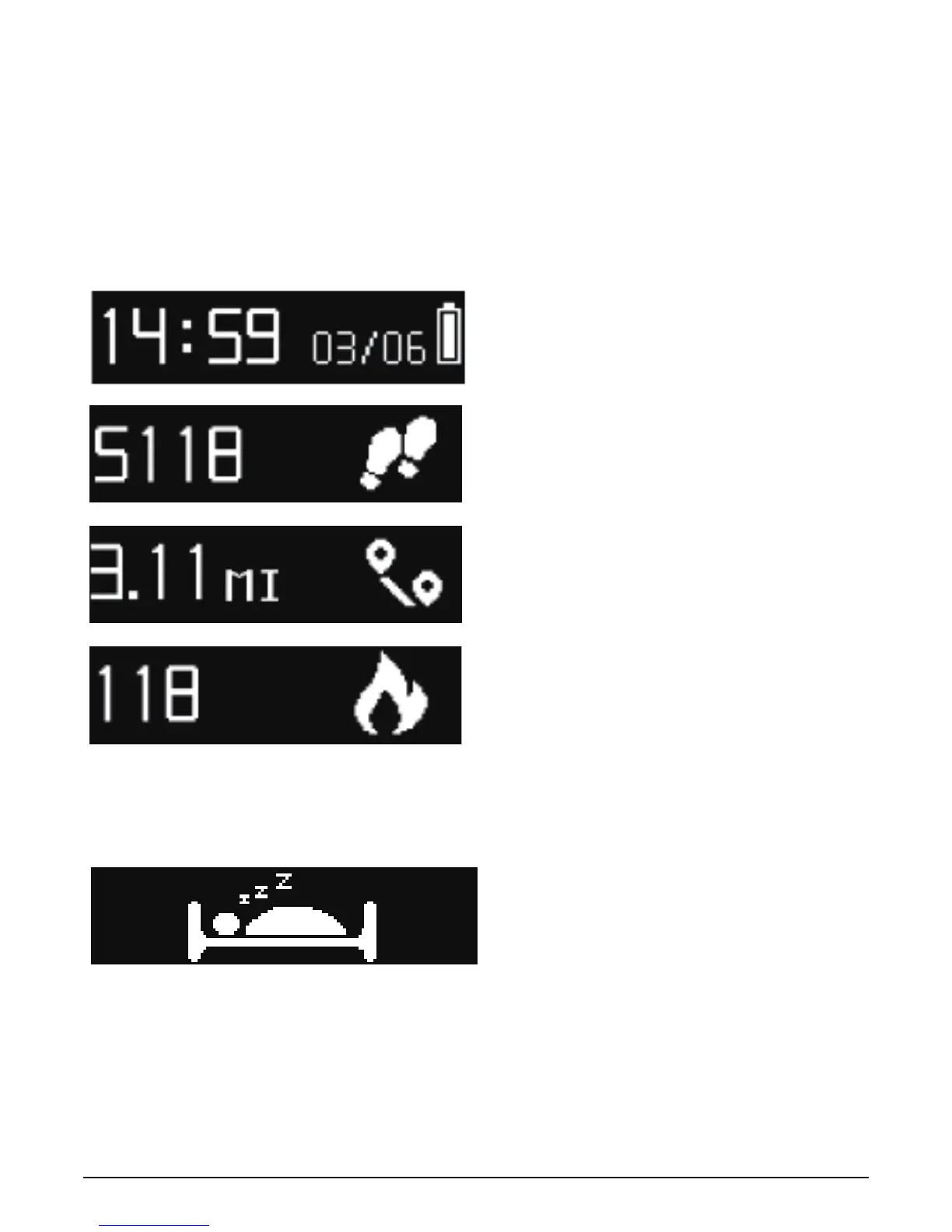
Screen operation
All screen operations are completed by using your fingertip to
click the bracelet button.
Click to switch the interface.
Long click to enter into/ withdraw from the sleep mode.
Tips:
If you are not sure what to do on a specific screen, try clicking
the button to switch to another screen.
12



 To Next Page