Notice
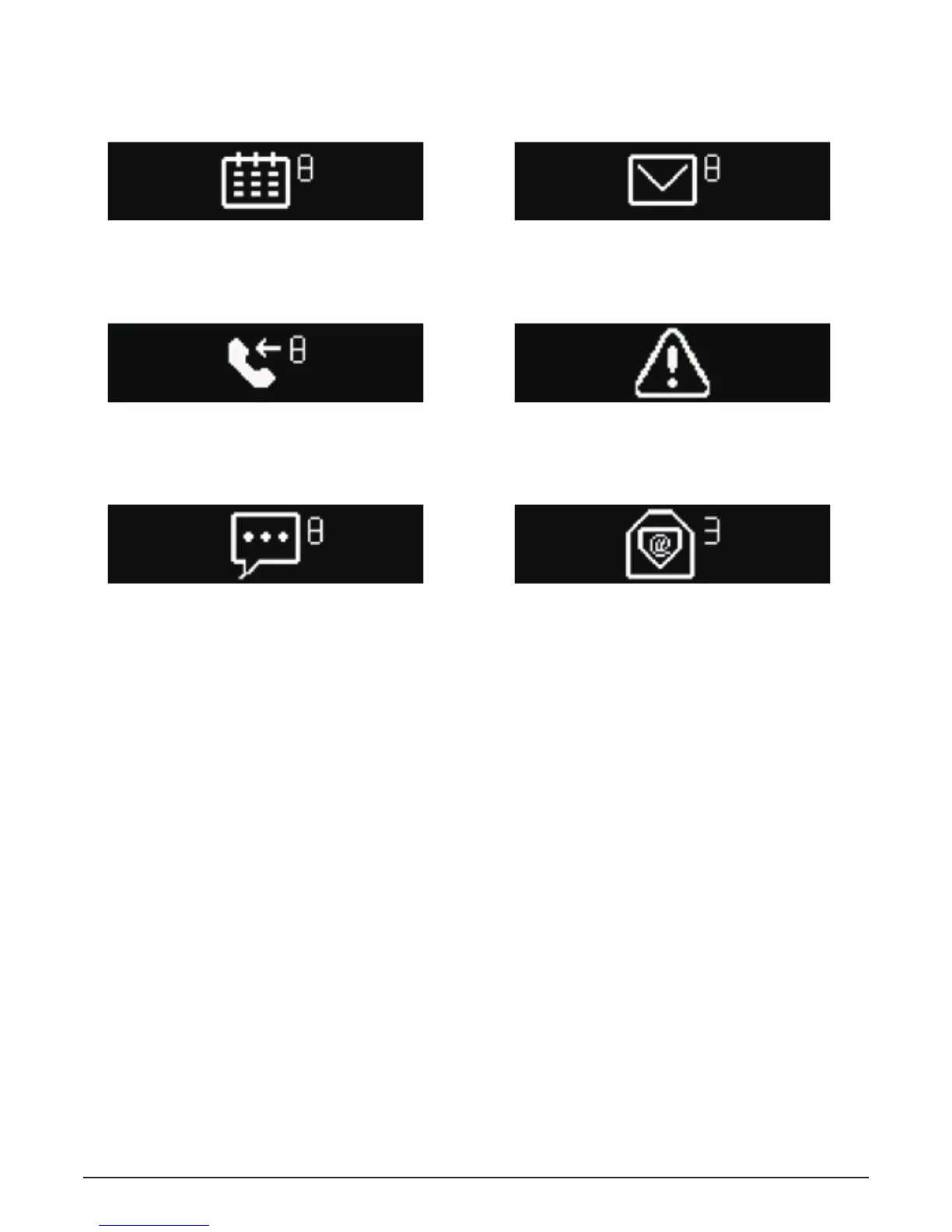
The bracelet can display calls, missed calls, messages,
emails, social contact media activities, calendar matters and
anti-loss notices. Open the 3PLUS ELITE App, click
“setup>notice”, and select the notice you want the watch to
receive. If you want to stop using some notices, please slide
the radio button to the left and click the bracelet screen to
neglect the notice, otherwise, the notice will show up again
next time when the screen is activated.
Calendar matter reminding
Social contact message reminding Email reminding
Message reminding
Missed call reminding Bluetooth disconnection reminding
18


 To Next Page