EasyManua.ls Logo

360fly 360FLYBLK - Page 7

360fly 360FLYBLK
40 pages
Print Icon
To Next Page IconTo Next Page
To Previous Page IconTo Previous Page
Loading...
Step
Ll:
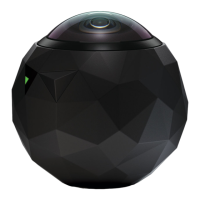
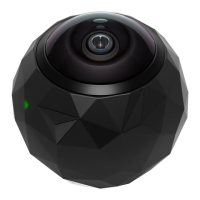
Remove
camera
from
its
Power
Cradle
and
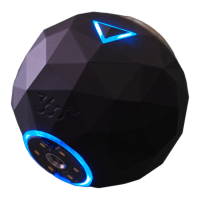
turn it
on
by
holding the
OnePush
button
down
for
LJ
seconds.
Step
5:
Connect
your mobile
device
and
camera
by
tapping the
"camera)}
icon
in
the
app.
Now
tap the
camera
drop
down
arrow to
add
or
select a
camera.
Step
6:
Follow
the in-app directions
to
name
your
camera,
create a profile
and
complete the setup.
NOTE:
For
iDS,
exit the
appJ
go
to your
device~s
"SettingsJJ
and
connect
to
your
camera"s
wifi.
Step
7:
Stick
your
baseplates
and
mounts
on
anything that
moves
...
} then start capturing
and
sharing
everything
around
you
in
360
degree
HD
video.
All manuals and user guides at all-guides.com

Other manuals for 360fly 360FLYBLK

Related product manuals