Getting Started
Congratulations on landing your new 360fly 4K camera.
This powerful camera and its apps make you part of an emerging community of visual
storytellers and explorers, one that is fundamentally changing the way we experience and capture
the world. Join them now and begin sharing your best 360° 4K videos, ideas, and
inspiration at www.360fly.com.
Charging the Battery:
To charge your camera, insert the USB cable into a USB outlet adapter rated at 1.5A to 2.1A
(most tablet charger adapters) and plug it into the 360fly 4K Power Cradle.
Next, simply place the camera on the charger base. For best results, charge your camera while
it’s powered off.
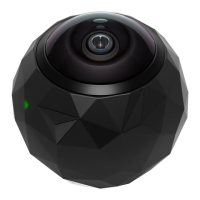
While your camera is charging, its LED indicator will flash green. When fully charged, the
camera LED will remain solid green. It is recommended you charge your camera for at least 30
minutes prior to its first use.
When your camera battery is low, the LED will display a light purple color. Be sure to charge
your camera before using it when the LED is light purple.
Powering Up:
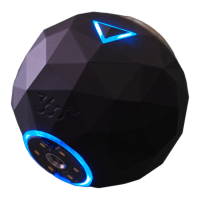
Remove the camera from its Power Cradle and turn it on by holding the OnePush button down
for four seconds. The triangular OnePush button is surrounded by the LED indicator and located
on the side of the camera. When powering up, the camera will vibrate three times and the LED
will flash blue. After completing the power-up sequence, the LED will display a solid blue color,
indicating that your camera is on and ready to fly.

 Need help?
 General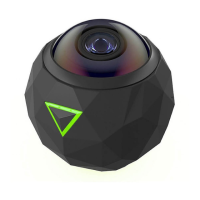

 To Next Page