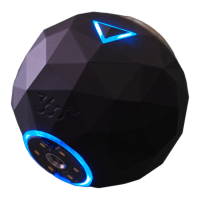
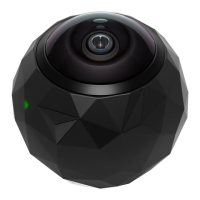
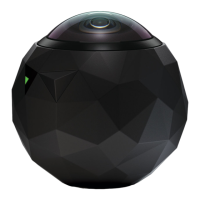
You can also use the OnePush button to power down your camera by holding the button down
for four seconds. The camera will vibrate four times to indicate that it is powering down.
Camera Care and Storage:
A clean lens means clearer footage. Your 360fly 4K camera lens can be cleaned using a soft
cloth. Lens solution, water, or isopropyl alcohol can be added for additional cleaning.
We highly recommend storing your 360fly 4K camera inside a protective case to help protect its
lens from scratching, chipping, or other damage.
The App Powering It All
Download the 360fly App:
The 360fly app is key to capturing your entire world in 360° 4K video on your Apple iOS®
smartphone. Just search “360fly” in the App Store and download the free 360fly app to your
mobile device. Remember, the app allows your mobile device to serve as your camera’s remote
control and viewfinder, giving you the power to capture, edit, and share clips on the fly.
The first time launching the app, you will see a brief Shoot, Share, Swipe tutorial on recording,
editing, exploring and sharing 360° videos with your new camera and app. Check it out. It’s well
worth your time.


 To Next Page