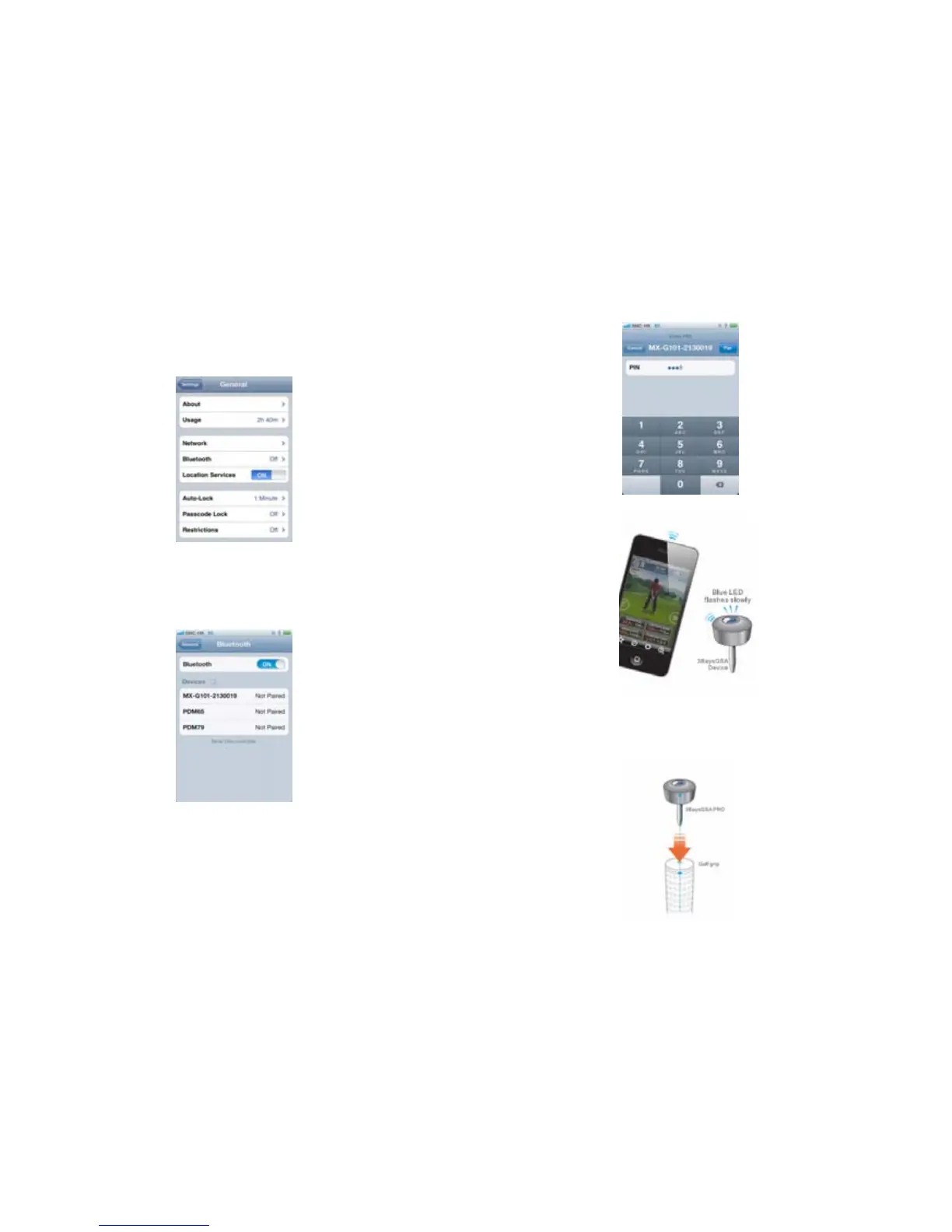
2.3 Select Settings and then General in your mobile
2.4 Select Bluetooth to enter the Bluetooth setup
2.5 Turn the Bluetooth on and select the serial no of your
3BaysGSA Device from the list of Devices (serial no can be
found on your device and packaging)
2.6 Enter password “8888” and press “Pair” button (it will
be paired automatically if device is paired before).
2.7 Blue LED flashes slowly if pairing succeed.
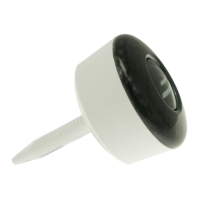
3. Install the device on your golf club
3.1 Plug 3BaysGSA into the hole of the grip.
3.2 Adjust the arrow of 3BaysGSA to align with the mark
on your club.
6


 To Next Page