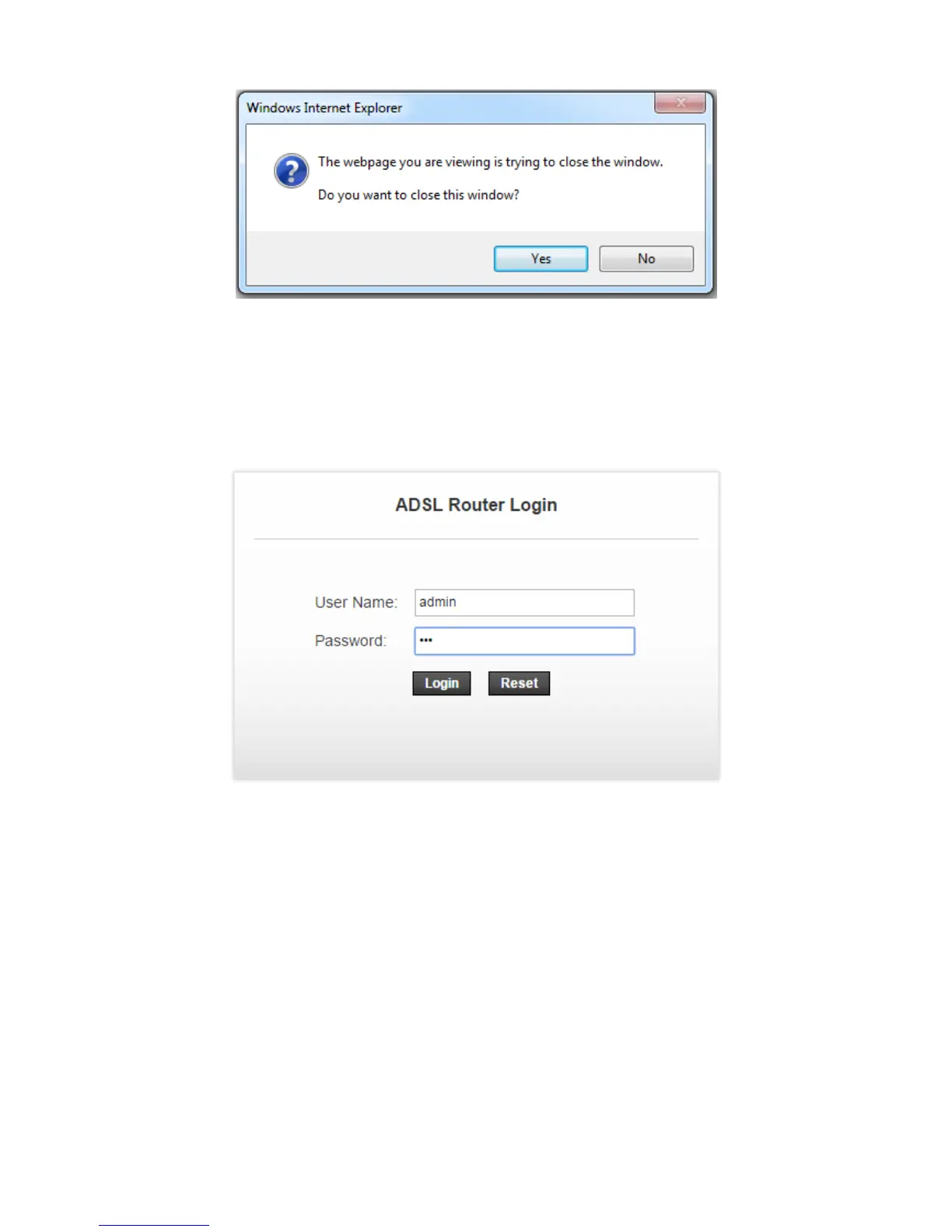
Step5: In the Windows Internet Explorer page that is displayed, click Yes to close this window.
3.3 Wireless Settings
Step 1: Open the Internet Explorer (IE) browser and enter http://192.168.1.1
Step 2: In the Login page that is displayed, enter the username and password. The username and password of
the administrator are admin and 3bb
After logging in to the DSL router as a super user, you will see the following interface. You can
check, configure and modify all the settings.


 To Next Page