304 CHAPTER 12: FILE SYSTEM MANAGEMENT
Use the boot boot-loader command to specify the downloaded program as the
application at the next login and reboot the Switch.
<SW5500> boot boot-loader switch.app
<SW5500> reboot
TFTP Overview Trivial File Transfer Protocol (TFTP) is a simple protocol for file transmission.
Compared with FTP, another file transmission protocol, TFTP has no complicated
interactive access interface or authentication control, and therefore it can be used
when there is no complicated interaction between the clients and server. TFTP is
implemented on the basis of UDP.
TFTP transmission is originated from the client end. To download a file, the client
sends a request to the TFTP server and then receives data from it and sends an
acknowledgement to it. To upload a file, the client sends a request to the TFTP
server and then transmits data to it and receives the acknowledgement from it.
TFTP transmits files in two modes: binary mode for program files and ASCII mode
for text files.
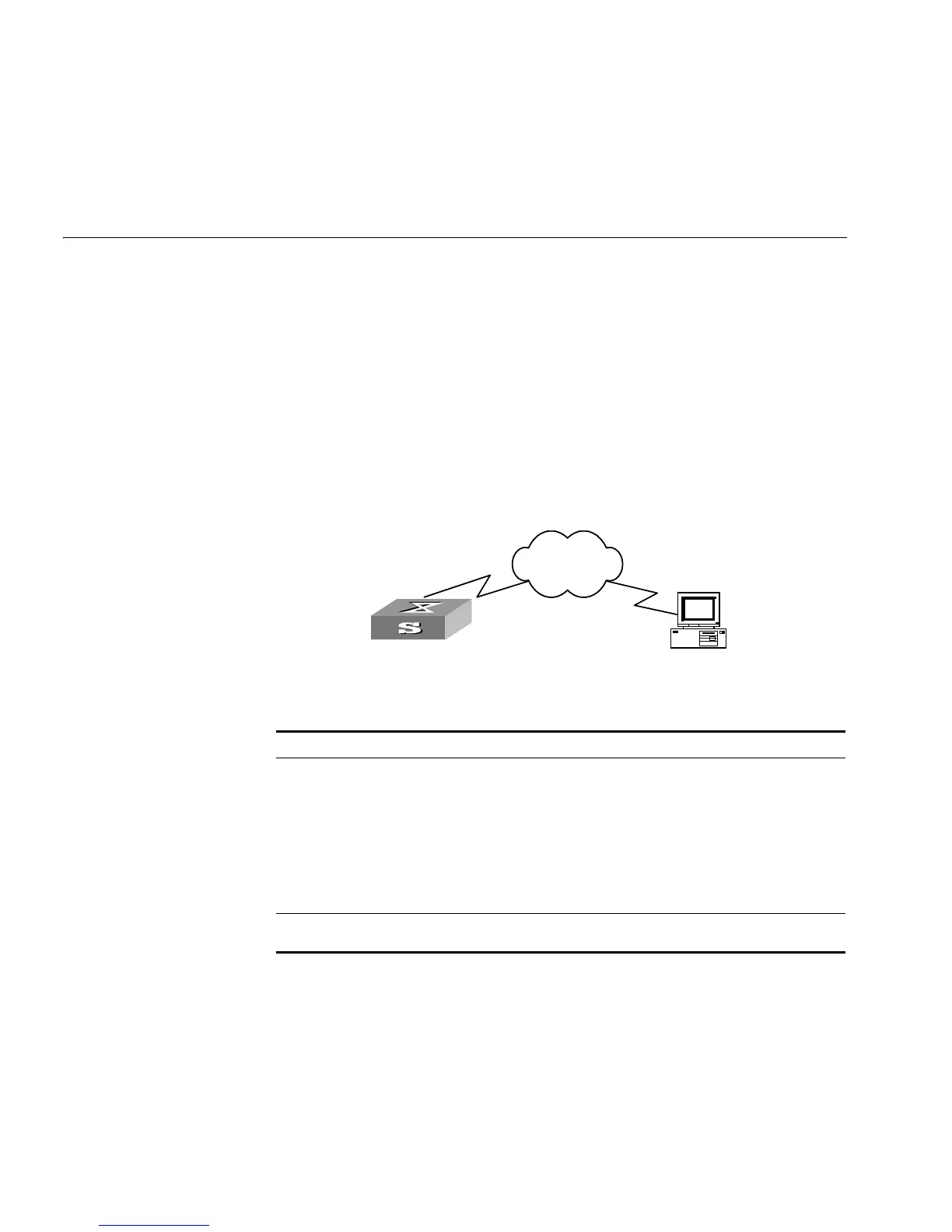
Figure 74 TFTP Configuration
Table 349 Configuration of the Switch as TFTP Client
Downloading Files by
means of TFTP
To download a file, the client sends a request to the TFTP server and then receives
data from it and sends acknowledgement to it. You can use the following
commands to download files by means of TFTP.
Perform the following configuration in User View.
Device Configuration Default Description
Switch Configure IP address for the
VLAN interface of the
Switch, in the same network
segment as that of TFTP
server.
- TFTP is right for the case where no
complicated interactions are required
between the client and server. Make sure
that the VLAN interface on the Switch
and the TFTP server are reachable.
Use the tftp command to
log into the remote TFTP
server for file uploading and
downloading.
- -
PC Start TFTP server and set
authorized TFTP directory.
- -
Switch
PC
Network
SwitchSwitch
PC
Network













 To Next Page