EasyManua.ls Logo

3D Systems ProJet x60 Series - User Manual

3D Systems ProJet x60 Series
72 pages
Print Icon
To Next Page IconTo Next Page
Loading...
5/12/13 All Rights Reserved
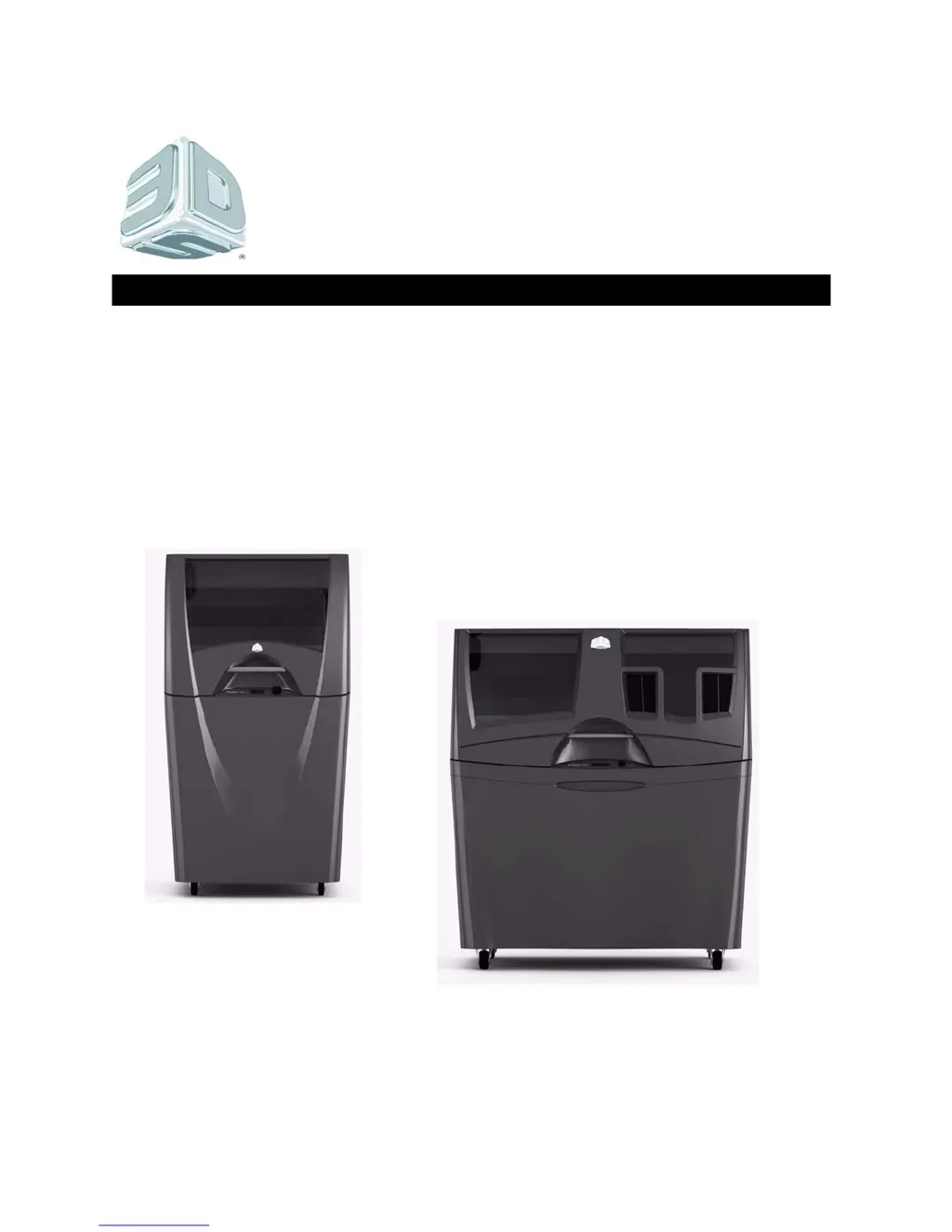
ProJet®
x60 Series
3D Printers
ProJet 160, 126C, 360, 460Plus
Part Number 95043
Rev. A
User Guide

Table of Contents

Questions and Answers

  • V
    Vincent ThomasAug 1, 2025
    What to do if my 3D Systems ProJet x60 has delamination issues?
    • S
      Stuart NormanAug 1, 2025
      If you're experiencing delamination (layers splitting apart) with your 3D Systems Printer, it might be due to a print head caked with Core, or a pause in network communications. To resolve this, check your PC settings as the printer may be pausing while waiting for additional data. Another cause might be core buildup on the print head, a failed print head, or an electrical issue within the printer. Clean the service station to resolve this.
  • A
    Alicia HallAug 8, 2025
    How to fix print head errors on a 3D Systems ProJet x60?
    • R
      Ronald BurtonAug 8, 2025
      If you are getting print head errors or weak parts from your 3D Systems Printer, it could be due to a dirty print head, often caused by a service station that isn't cleaning the head properly. The first thing you should do is thoroughly clean the service station.
  • M
    Mark ChambersAug 16, 2025
    Why does my 3D Systems ProJet x60 vacuum have low suction?
    • D
      davidlynchAug 16, 2025
      If the vacuum in your 3D Systems Printer has low or no suction, it usually means the Debris Separator needs to be emptied and cleaned, or that the vacuum hose is plugged or damaged. Remove the Debris Separator and empty the contents into a waste receptacle. Also, turn the printer power off.
  • K
    Kelly VangAug 25, 2025
    What to do if my 3D Systems Printer binder cartridge is full but the software says it's empty?
    • L
      lewismaryAug 25, 2025
      If your 3D Systems Printer's binder cartridge is full but the 3DPrint software indicates it's empty, it's usually caused by a damaged binder cartridge or a failure in the binder cartridge pocket. Try removing and reseating the binder cartridge to fix it.

Summary

ProJet x60 Series Overview

Specifications

Details the technical specifications for all ProJet x60 models.

Computer;System Requirements

Outlines the necessary hardware and software for operating the printer.

Setup And Print The Build

Prepare the Build Area

Steps to ensure the printer's build area is ready for printing.

Print the Build

Initiating the 3D printing process.

Routine Cleaning

Clean The Service Station

Cleaning the print head service station for optimal performance.

Additional Operations

Change Print Head

Procedure for replacing a worn or faulty print head.

Printer Maintenance

Fast Axis Bearing Lubrication

Lubricating the fast axis bearings for smooth operation.

Piston Screw Lubrication

Lubricating the piston screw for proper build platform movement.

Slow Axis Bearing Lubrication

Lubricating the slow axis bearings for optimal performance.

Troubleshooting the ProJet x60 Printers

Try This First

Initial troubleshooting steps to resolve common issues.

Problems Powering Up

Diagnosing and resolving issues related to printer power.

Print Head Errors;Weak Parts

Addressing print head errors and parts that break easily.

Troubleshoot Print Head;Weak Parts

Flowchart for diagnosing print head and weak part issues.

Motion Errors;Fast Axis

Troubleshooting errors related to the fast axis motion system.

Troubleshoot Fast Axis

Step-by-step guide to resolving fast axis errors.

Motion Errors;Slow Axis

Troubleshooting errors related to the slow axis motion system.

Troubleshoot Slow Axis

Step-by-step guide to resolving slow axis errors.

Network Errors;Cannot Connect to Printer

Resolving network connectivity issues with the printer.

Network Errors;Packet Timeout

Addressing packet timeout errors during network communication.

Part Quality Issues Streaky;Striped Parts, Delamination, Weak Parts

Diagnosing and fixing issues causing poor part quality.

Part Quality Issues Bad Surface Finish

Troubleshooting problems with the surface finish of printed parts.

Error Codes and Messages Background Details

Detailed explanations of printer error codes and messages.

Calling for Service

Information needed when contacting service providers.

3D Systems ProJet x60 Series Specifications

General IconGeneral
Brand3D Systems
ModelProJet x60 Series
CategoryPrinter
LanguageEnglish

Related product manuals