January 14, 2013 – Rev. 1
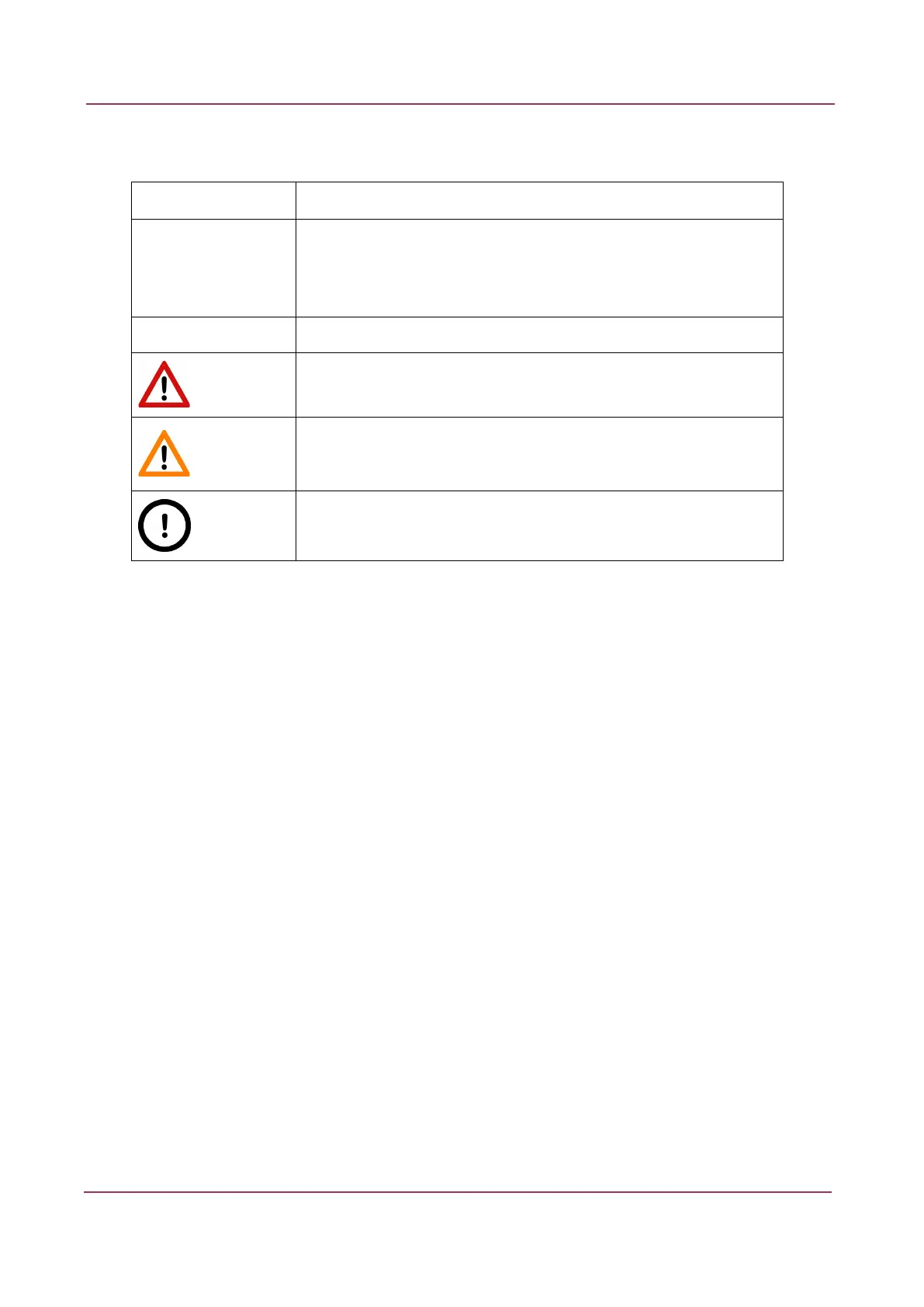
Character Types and Symbols
Example Abbreviation or term that is explained in section Terms and Abbreviations.
Example Words or characters that appear on the screen. These include field names,
screen titles, pushbuttons and menu names, paths or options.
Keys on the keyboard. For example, function keys (such as F11) or the
Ctrl+O key combination.
Example Cross-references to other documents or sections within this document.
Warning!
Indicates that you need an additional module to use the feature or that
there are prerequisites for the task.
Important!
Contains an important piece of information or a recommendation. The
application will work if you choose not to follow the recommendation but
its performance might be less than optimal.
Tip!
Contains a suggestion about using the application in some other way or to
some interesting purpose.



 To Next Page