3DP Moving and Folding the Gantry
Approved By: Date: <6/14/2016> Page 5 of 11
WI XXXX-xxxxxx– 3DP Moving the Printer
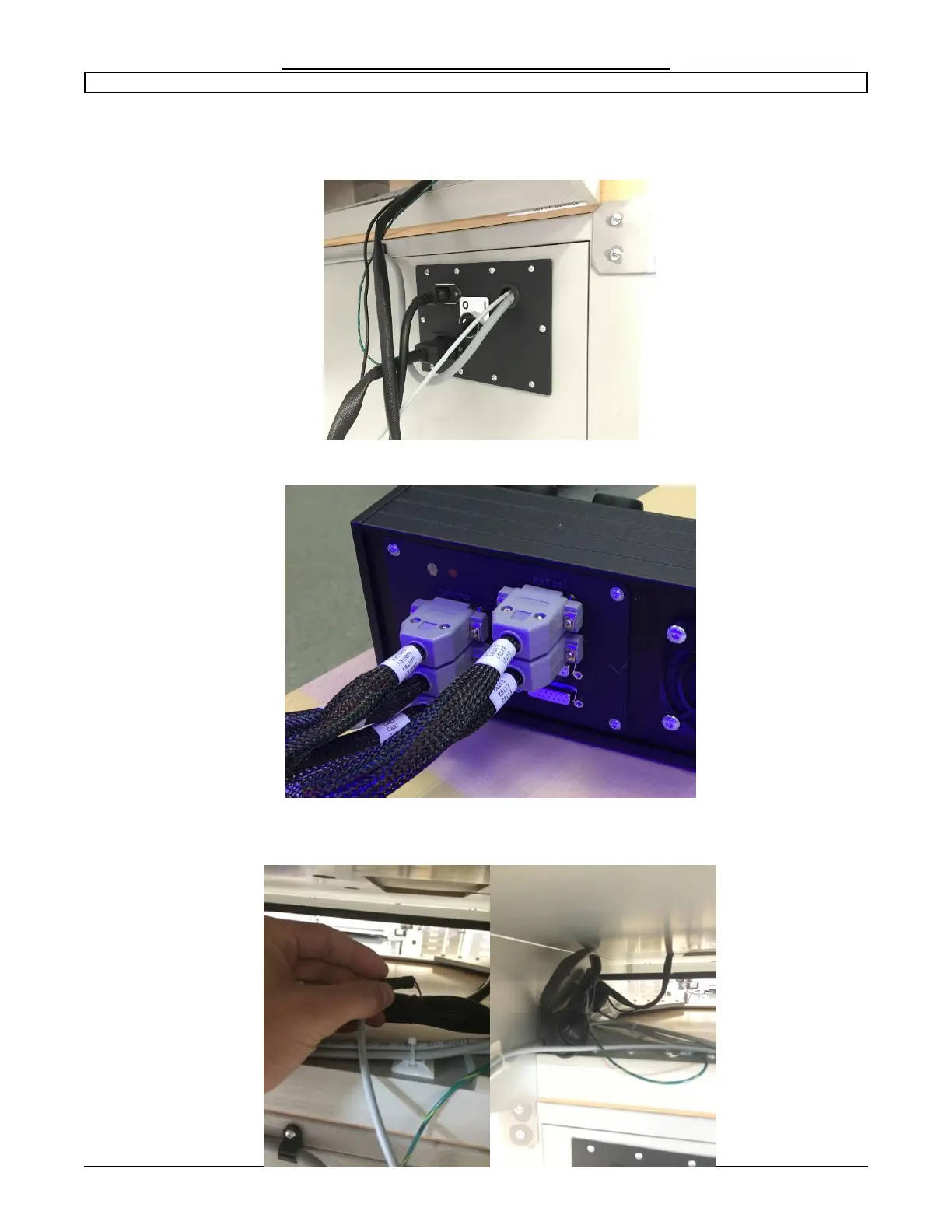
Step 4: Power down and disconnect cables.
Turn off the power and disconnect the unit from the main power source.
With a narrow flat screwdriver disconnect the connectors from the back of the control box.
Disconnect the Bed thermistor plug on the underside of the aluminum plate and place it
out of the way so it is not going to be pinched or cut.


 To Next Page