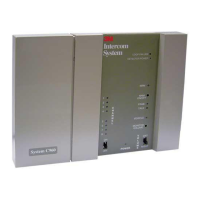
1
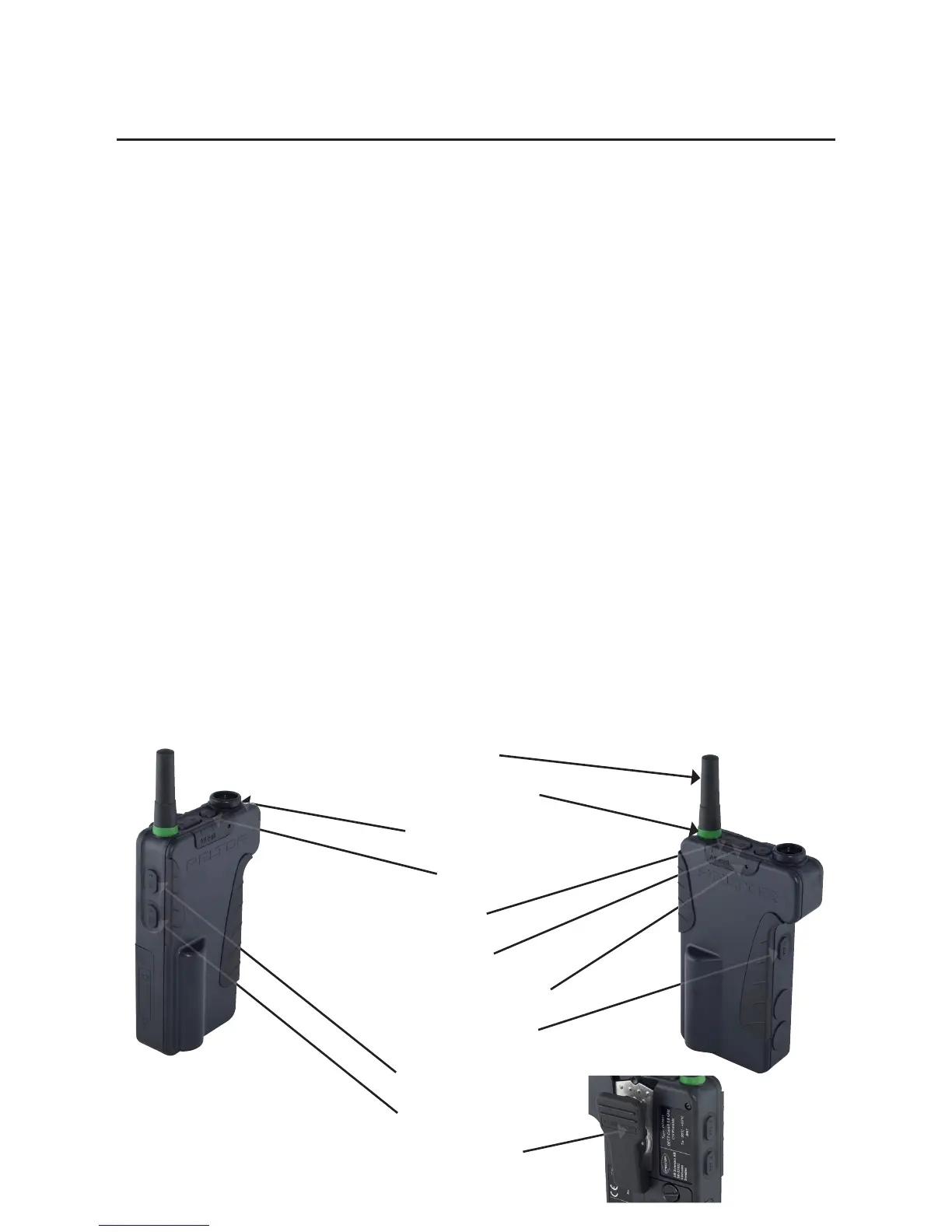
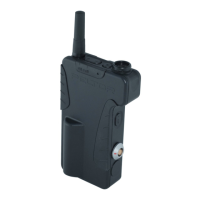
Antenna
Function indication ring
Headset connector
[M] Mode
[+] Up
[–]Down
LED (Light Emitting Diode)
PTT1 Push-To-Talk 1
PTT2 Push-To-Talk 2
PTT3 Push-To-Talk 3
Attachment clip
QUICK GUIDE – Peltor DECT-Com II
Button Function
[M] Switch DECT-Com II unit on/off
Select function in the menu
[+] Increase the level of selected function
[–] Decrease the level of selected function
[M] & [+] Switch DECT-Com II unit on as base
[M] & [–] Switch DECT-Com II unit on as portable
[PTT1] Press twice to talk in conference 1
Press once to listen in conference 1
[PTT2] Press twice to talk in group 2
Press once to listen in group 2
PTT for external device in upper connector
[PTT3] Press twice to talk in group 3
Press once to listen in group 3
PTT for external device in lower connector
[+] & [–] All call (short simplex transmission)
For latest revised full user’s instructions, please see www.3m.com/peltorcomms on the Internet.
Look in section “Rest of the world” and nd “PDF LIBRARY”, where you can read or download multilingual information about the Peltor
DECT-Com II system!
(Fig. A)


 To Next Page