5
● DC In: 12V DC in, power supply for the touch monitor.
● VGA In: This is connected to PC’s VGA output port.
Key Function:
● Menu: Press this button to get a pop-up OSD menu, and enter the menu item (function)
highlighted while the OSD menu is activated.
● ON/OFF: Turn the LCD power on and off. When the power is on, the light is showing
green, stand by will be red
● UP: Press this button to increase the value of the function selected or move to the
previous function
● Down: Press this button to decrease the value of the function selected or move to the
previous function
● AUTO/EXIT: Press this button to apply the monitor setting automatically and Exit the
OSD menu
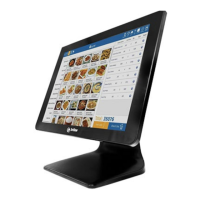
TCM005 touch screen monitor uses a manual handle design which is able to be adjusted within
the range of 0 degrees to 90 degrees to make operation and viewing more comfortable.


 To Next Page