19
Button Navigation
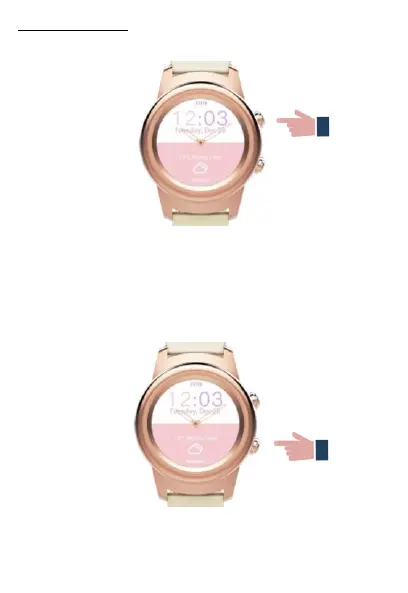
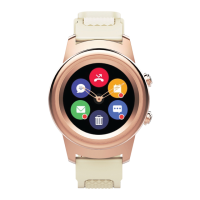
Press the top button to turn on the screen, return to the
main page from any screen or put the watch in standby
mode. Press and hold the top button to turn ON/OFF the
watch.
Press the bottom button to turn on the screen, go one step
back in the watch and exit a menu.


 To Next Page