24
regularly to save your daily activity data. We recommend
syncing the watch to the APP daily.
Heart rate
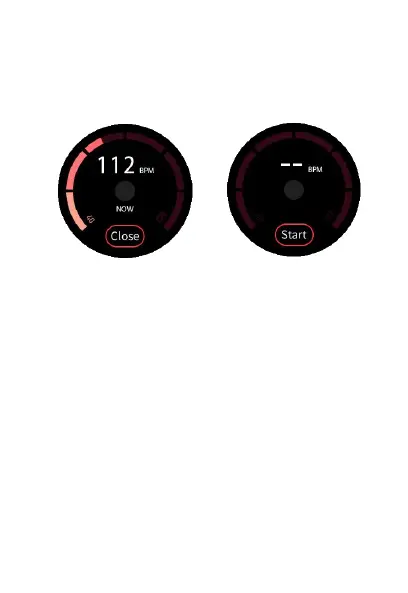
Heart rate (ON) Heart rate (OFF)
To manually turn on the heart rate monitor, swipe to the
heart rate interface and tap Start to measure your
current heart rate.
To turn off the heart rate monitor, tap Close.
*Note* Manually turning on the heart rate monitor on the
watch uses a significant amount of battery. To continuously
monitor your heart rate throughout the day, we recommend
turning on the Auto Track Heart Rate feature in the Hybrid
App’s settings.


 To Next Page