30
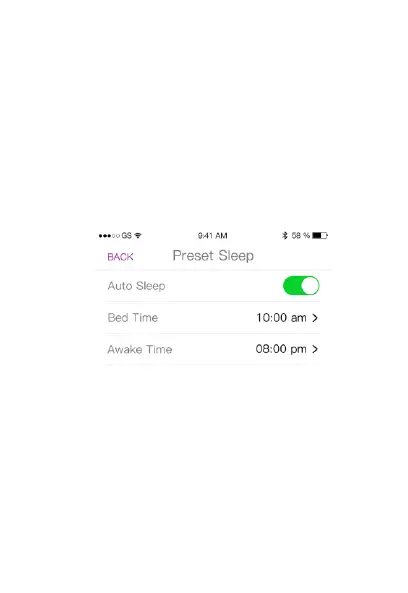
Preset Sleep:
You can set a preset sleep schedule to program the watch
to automatically track your sleep during a specific time
frame.
Go to the 3Plus Hybrid App’s menu, select settings, then
select “Preset Sleep”.
In this setting screen, turn Auto Sleep on and adjust your
“Bed time” and “Awake time” accordingly.


 To Next Page