16
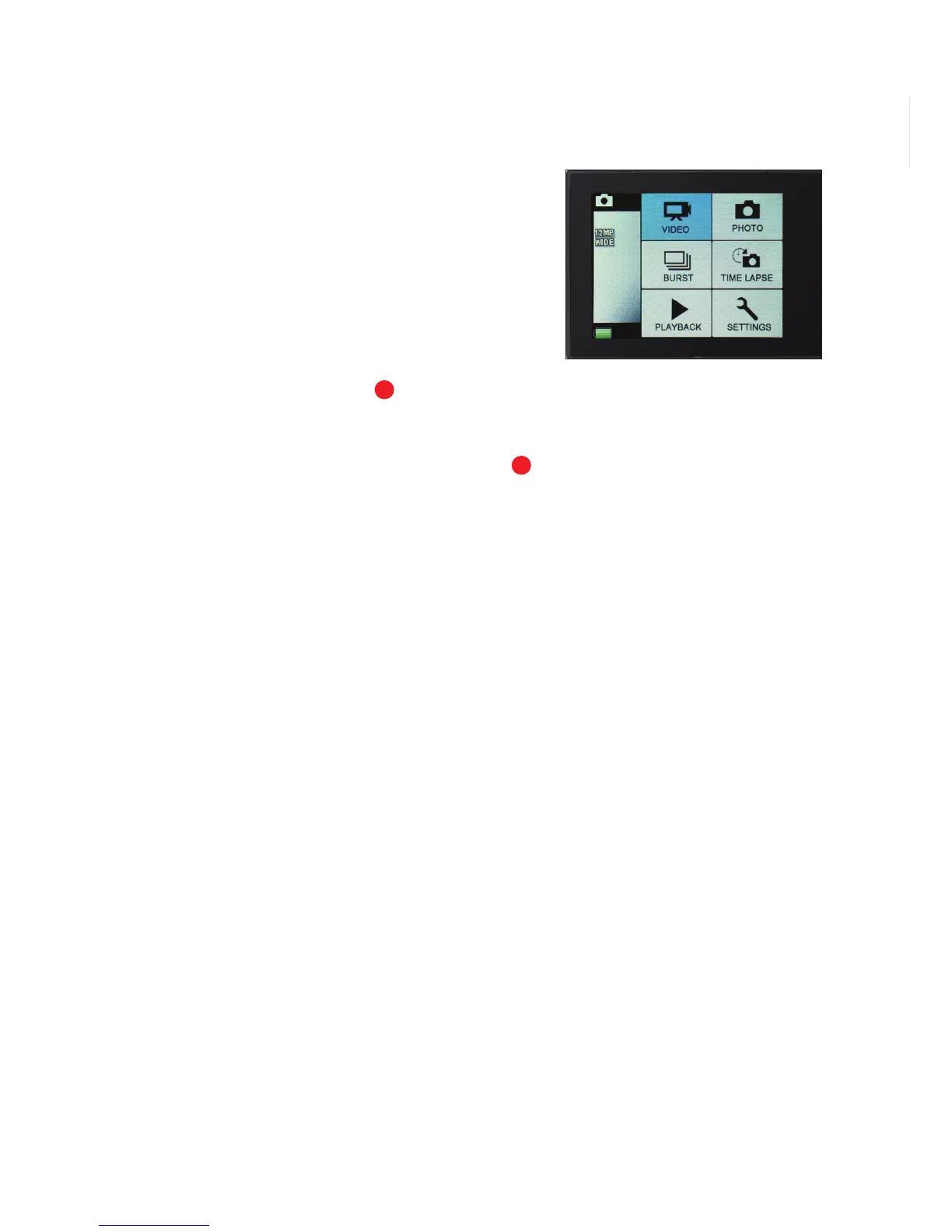
QUICK MODE
Quick Mode allows you to quickly access
the menu seings from Stand By Mode.
TO ENTER QUICK MODE
•
Verify the camera is in standby Video
or Camera Mode (where camera in ON
and NOT recording). Press and hold the
Shuer/Select Buon
for 3 seconds.
The Quick Mode menu will appear.
•
Short press the Power/Mode Buon
repeatedly to scroll through the Quick
Mode options.
•
To select a Quick Mode press the
Shuer/Select Buon.
•
To exit Quick Mode, hold down the
Shuer/Select Buon for 3 seconds.
LCD Screen in ‘Quick Mode’
11
1



 To Next Page