15
PLAYBACK/REVIEW MODE
To view your videos and photos make
sure the camera is in Video or Photo
Playback mode which should be
displayed on the LCD Screen
by short
pressing the Power/Mode Buon
repeatedly until Video Playback
appears or Photo Review
appear.
•
Choose either the Video or
Photo
by pressing the Shuer/
Select Buon
. Use the Power/Mode
Buon to scroll through your videos
or photos. Press the Shuer/Select
Buon to review a video.
•
To return to the Playback menu,
press the Wi-Fi Buon
.
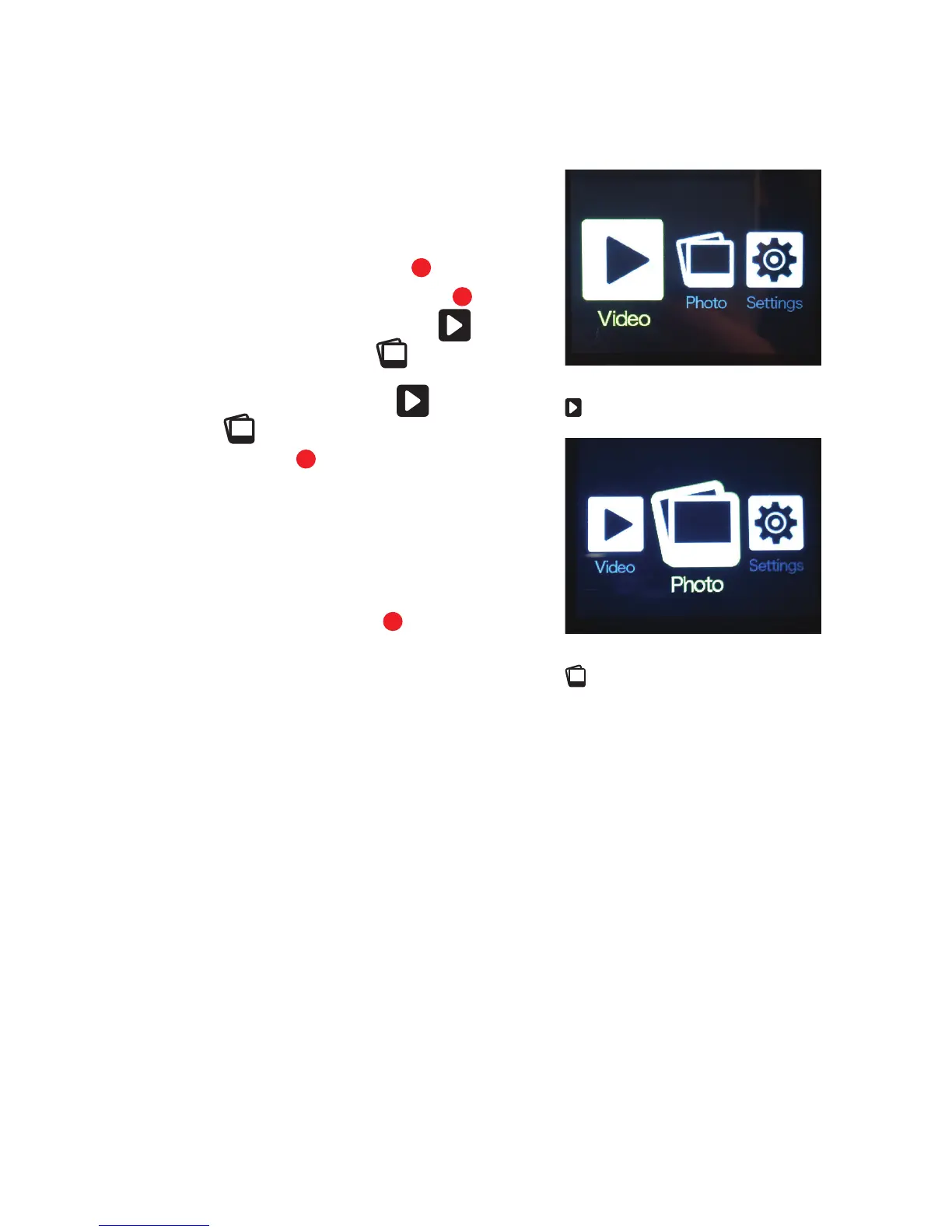
LCD Screen when ‘Video Playback’
is selected
LCD Screen when ‘Photo Playback’
is selected
9
1
2
10



 To Next Page