14
TIME LAPSE MODE
To take a Time Lapse photo, make sure
the camera is in Time Lapse mode
which should be displayed on the LCD
Screen. If not, short press the Power/
Mode Buon
repeatedly until
appears.
TO TAKE A PHOTO
•
Press the Shuer/Select Buon .
The camera will make a short beep
then emit the camera shuer sound.
In Time Lapse mode, your camera
captures a series of photos at 2, 3, 5,
10, 20, 30 or 60 second intervals.
•
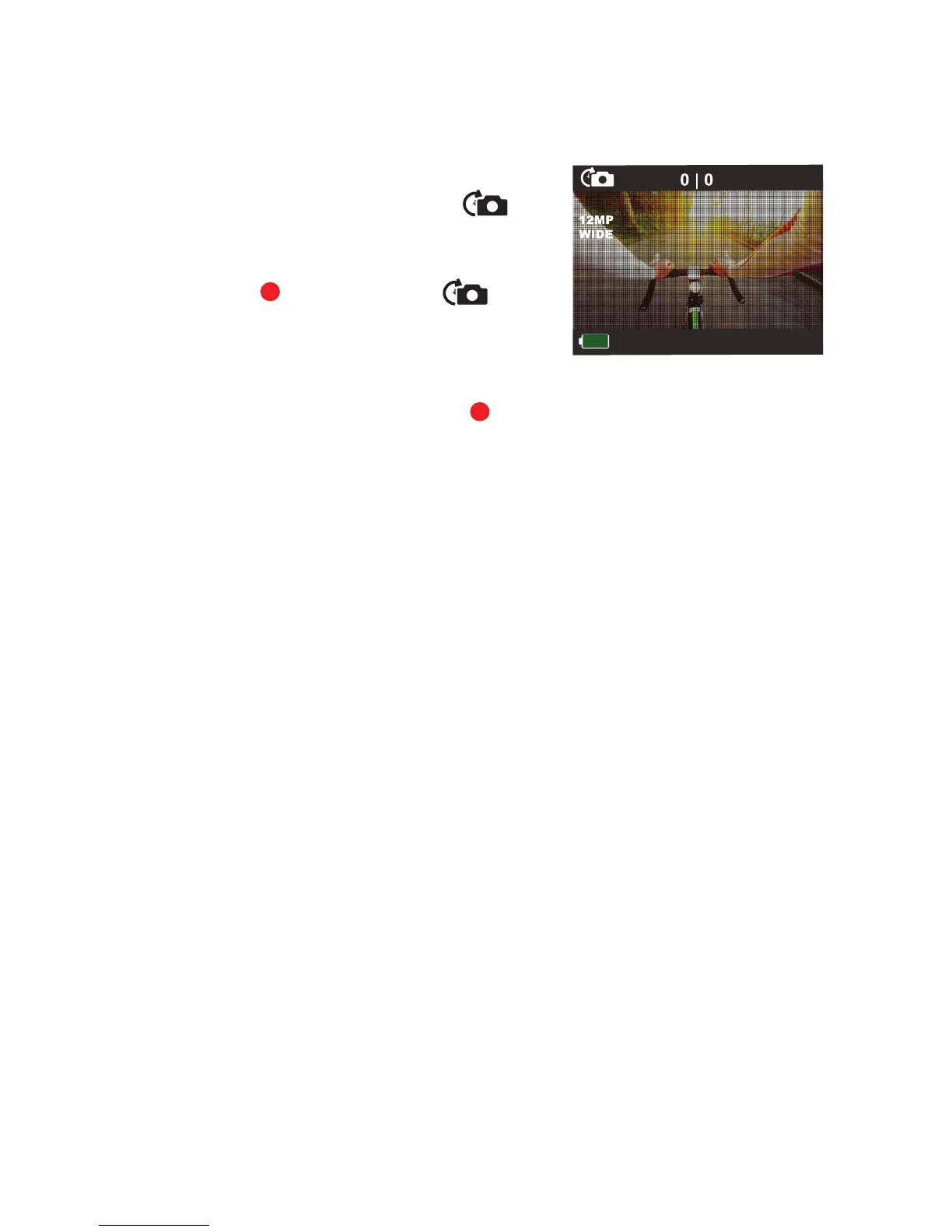
While in Time Lapse mode, the LCD
Screen will display:
∙
number of images taken
(top centre le);
∙
number of images remaining
(top centre right); and
∙
the baery level indicator
(boom le).
LCD Screen in ‘Time Lapse’
Photo mode
1
11



 To Next Page