14 Numbers in black circles refer to diagrams on pages 4 & 5
For Android devices
*
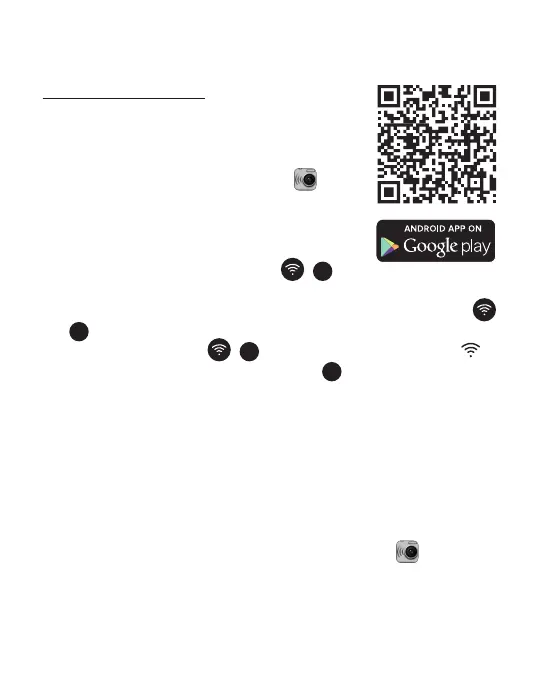
1. Find the SYMAGIX app at the Google
Play store on your device or scan this QR
Code - and install it. When installation is
completed, the SYMAGIX icon will
appear on your home/menu screen.
2. Make sure a microSD card is in your
camera and turned ON.
3. Press the WiFi/Status Button (
5
) on
the side of the camera to active the camera’s WiFi. When
the camera’s WiFi is starting up, the WiFi/Status Button
(
5
) will be ashing. When the camera’s WiFi is ready, the
WiFi/Status Button (
5
) will stay red and WiFi icon
will be displayed on the LCD panel
3
.
4. Go to Settings > Connections > WiFi then scan or wait
until 3SIXT5000 becomes available in your list of available
WiFi networks. Please see your Android’s device user
manual for specic instructions.
5. Select 3SIXT5000 from the list and when prompted enter
the password 1234567890 and wait for conrmation of a
connection.
6. Exit Settings, then select the SYMAGIX icon on your
home/menu screen.



 To Next Page