16
Downloading captured videos and
images to external devices via cable
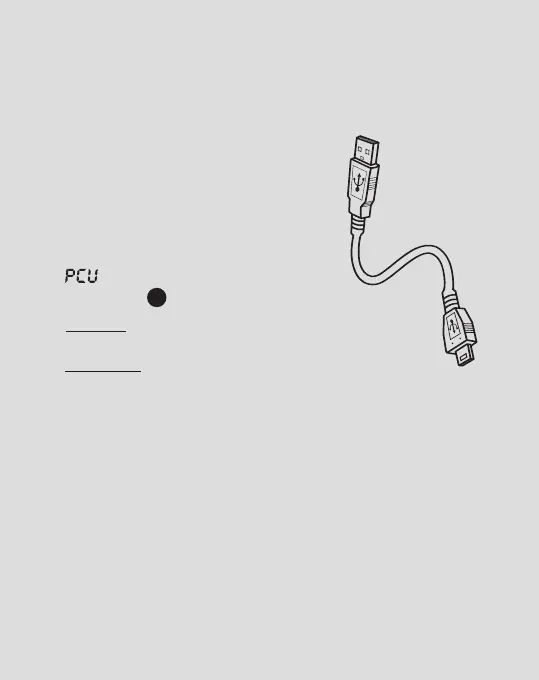
Connecting to a PC or MAC
using supplied micro USB cable
1. Turn the camera ON and connect
it to PC or MAC via supplied micro
USB cable.
2. will be then be displayed on the
LCD panel
3
.
3. For PC: Your captured videos and images will be
located in My Computer > Removable Disc.
For MAC: Your captured videos and images will
be located in the desktop item No Name.
Playback and delete captured videos
and images on a HDTV via cable
Connect to a HDTV using a HDMI cable
(not supplied)
1. Before connecting or removing the HDMI cable, stop
any recording and disconnect the WiFi connection.



 To Next Page