Updating the Firmware and Driver
www.3ware.com 177
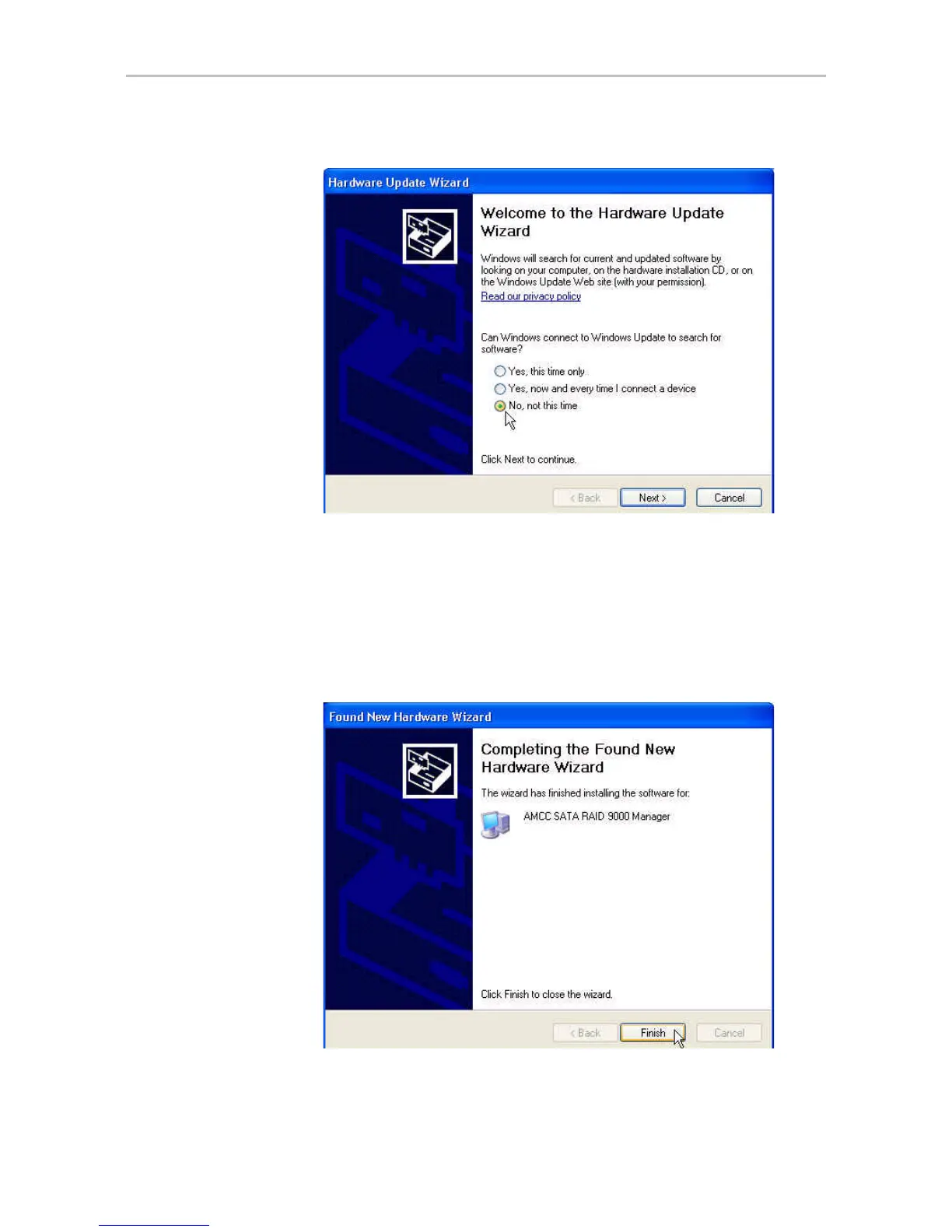
Figure 83. Found New Hardware Screen
20 Choose “No, not this time” and click Next.
At the next screen, leave the selection as “Install the software
automatically.” Click Next and follow the prompts on the screen.
21 When the second Completing the Found New Hardware screen
appears, click Finish.
Figure 84. Completing Found New Hardware Wizard



 To Next Page