PAGE 10
Manufactured by SYNATEL Instrumentation Limited, WS11 9TB, UK
TROUBLESHOOTING GUIDE
FAULT REMEDY
Blue LED (input) does
not Illuminate
Check that the load and the supply voltage are the same, and that the total
circuit current is less than 50mA. Slide a screwdriver blade across the face
of the sensor, the input LED should icker. If not, contact 4B.
If the input LED does icker, move the front face of the sensor closer to the
target and check the target size as specied under “INSTALLATION”.
Blue LED (input) Stays
on Permanently
Either increase the gap between the target and the shaft, or between the
target and the sensor face.
PARTS & ACCESSORIES
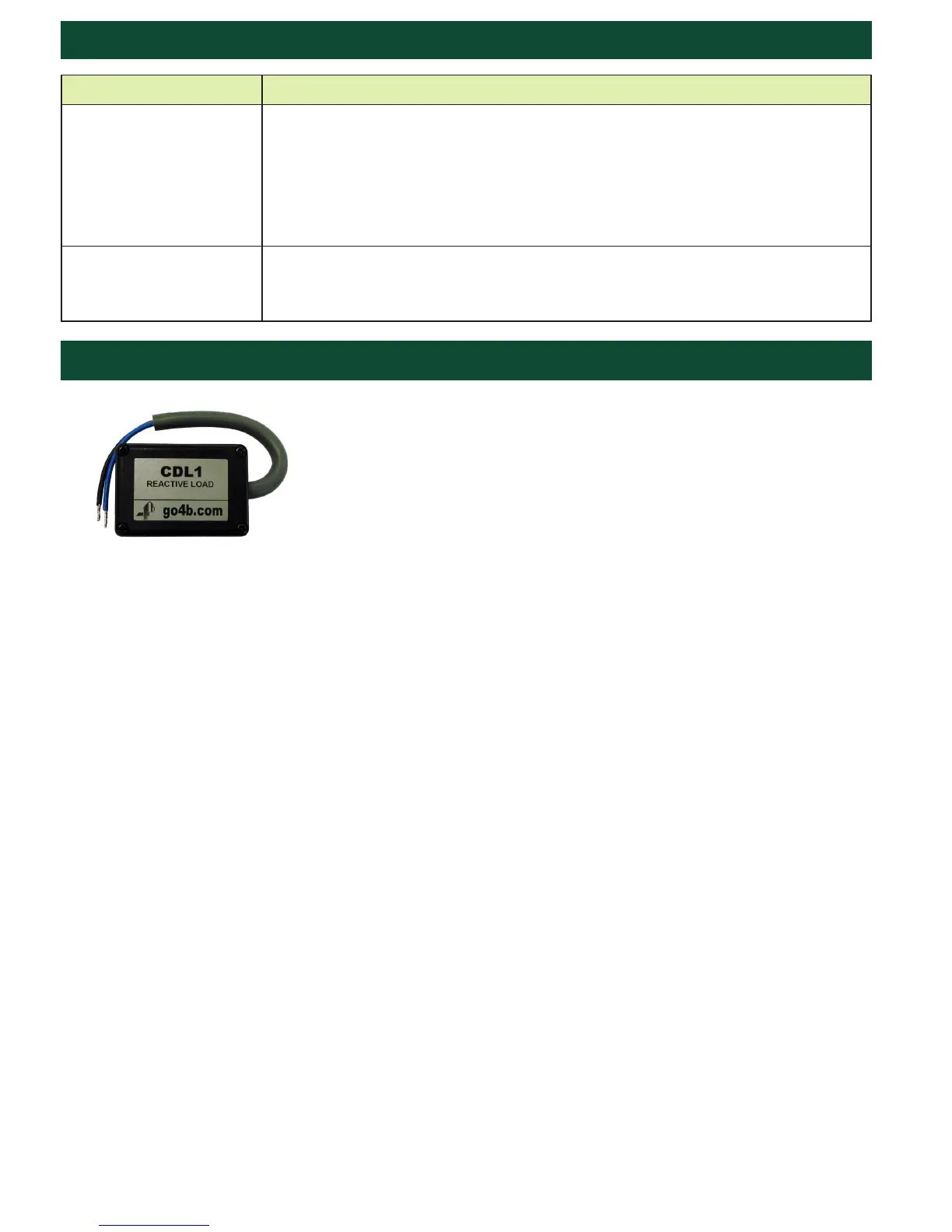
CDL1 & CDL4 Load Devices
The CDL1 and CDL4 devices add additional loads to PLC inputs. The CDL1
is for 110 VAC powered inputs, while the CDL4 (not pictured) is designed
for 24 VDC (NPN and PNP type) low power inputs. Both devices can be
used with the M100 Stopswitch.
Notte: This unit is only neceessary if the PLC input can detect 1mA of current
as a logic High. Please check the PLC input card techincal literature for this
value.


 To Next Page