Copyright © 2017, 4ipnet, Inc. All rights reserved. All other trademarks mentioned are the property of their respective owners.
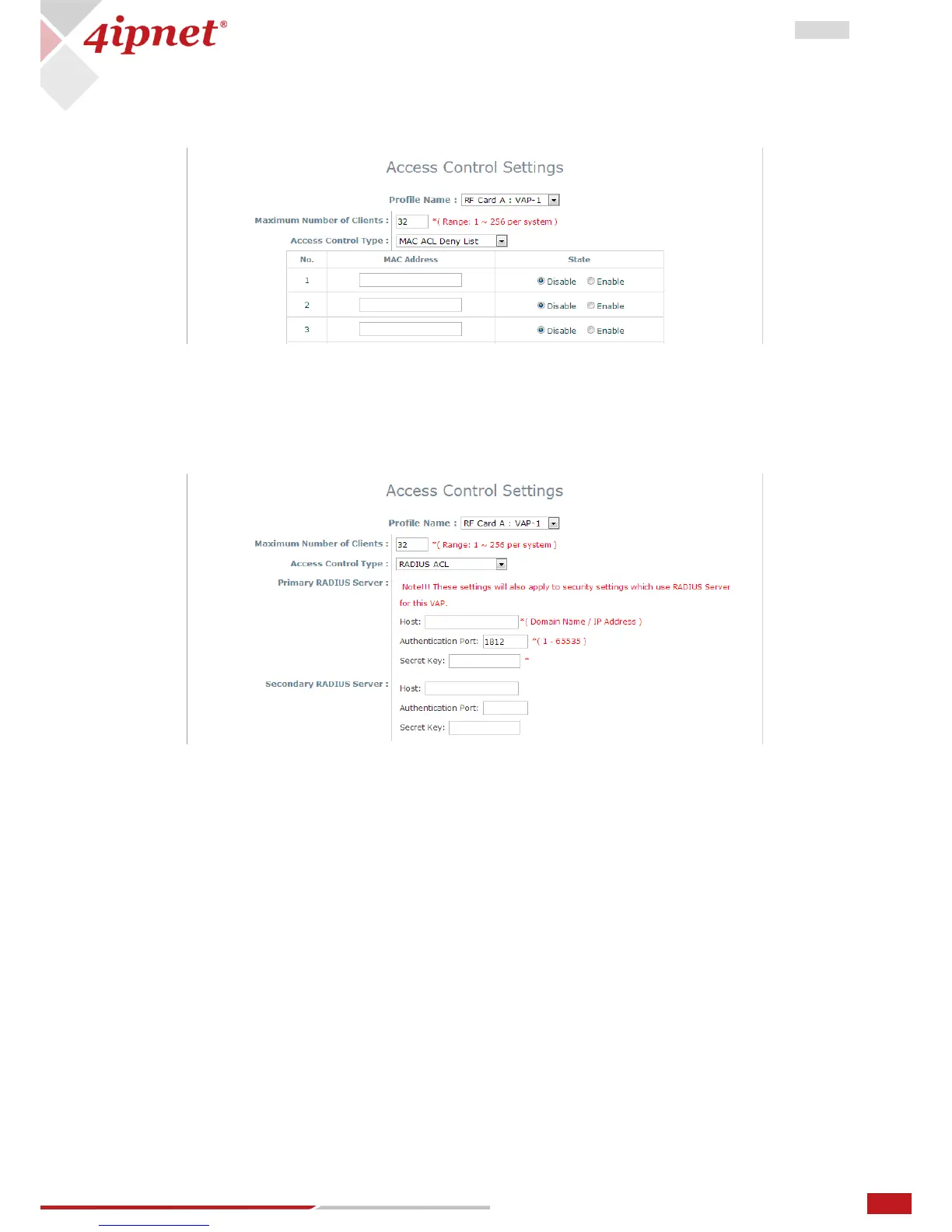
Access Control Type – MAC ACL Deny List: When selecting MAC ACL Deny List, all client devices are granted
access to the system except those listed in the Deny List (“denied MAC addresses”). The administrator
can allow any denied MAC address to connect to the system temporarily by checking Disable.
Access Control Type – RADIUS ACL: Authenticate incoming MAC addresses by an external RADIUS. When
RADIUS ACL is selected, all incoming MAC addresses will be authenticated by an external RADIUS. Please
note that each VAP’s MAC ACL and its security type (shown on the Security Settings page) share the same
RADIUS configuration.



 To Next Page