Voice commands
Dash Cam allows quick control through voice commands. When it is running, if you speak a quick command,
it will trigger the corresponding function. It supports the following voice commands:
Quickly capture a photo
Record an emergency video clip and
save separately to the event folder.
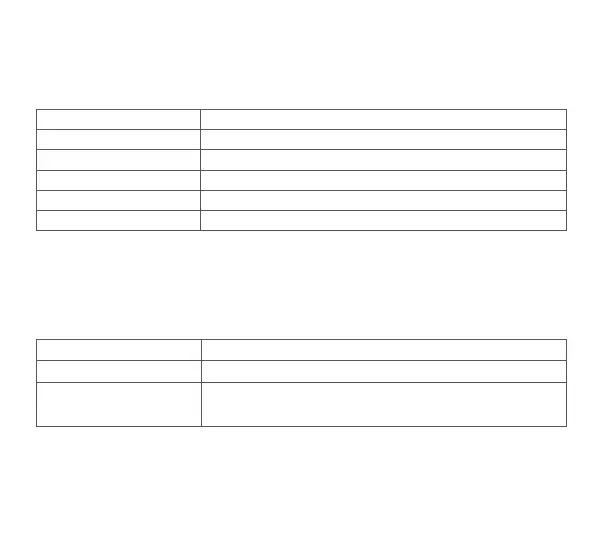
FunctionVoice commands
Take picture
Record video
Key functions
Dash Cam only has one key, which is the power key. Different functions may be accessed by pressing the
power key a different number of times for each function.
Reset factory settings
Format memory card
Turn the Dash Cam off
Turn the Dash Cam On
Turn Wi-Fi on / off
FunctionAction
Press once
Press three times in a row
Press five times in a row
Press and hold
Press briefly
3


 To Next Page