Installation
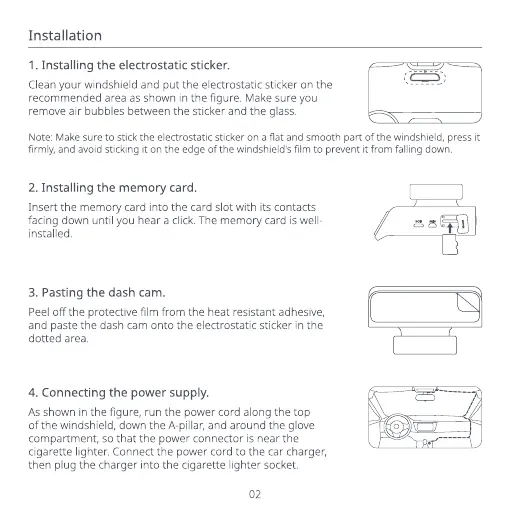
1. Installing the electrostatic sticker.
Clean your windshield and put the electrostatic sticker on the
recommended area as shown in the figure, Make sure you
remove air bubbles between the sticker and the glass.
Note: Make sure to stick the electrostatic sticker on a flat and smooth part of the windshield, press it
firmly, and avoid sticking it on the edge of the windshield's film to prevent it from falling down.
2. Installing the memory card.
Insert the memory card into the card slot with its contacts
facing down until you hear a click. The memory card is well-
installed.
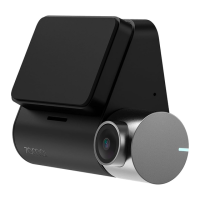
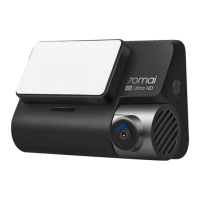
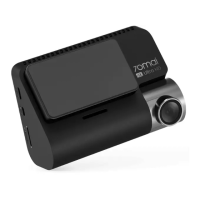
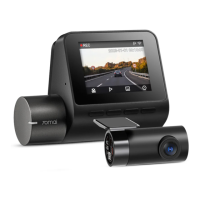
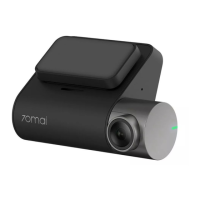
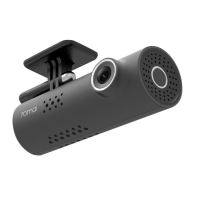
3. Pasting the dash Cam.
Peeloff the protective film from the heat resistant adhesive,
and paste the dash cam onto the electrostatic sticker in the
dotted area.
4. Connecting the power supply.
As shown in the figure, run the power cord along the top
of the windshield, down the A-pillar, and around the glove
compartment, so that the power connector is near the
cigarette lighter Connect the power cord to the car charger,
then plug the charger into the cigarette lighter socket.
02


 To Next Page