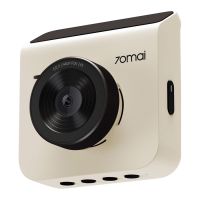
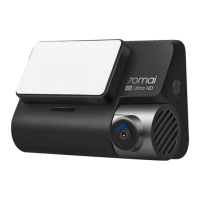
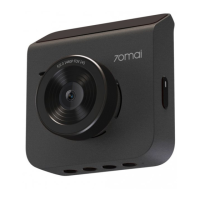
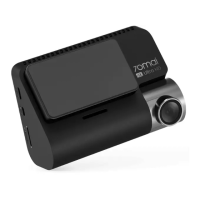
5
English
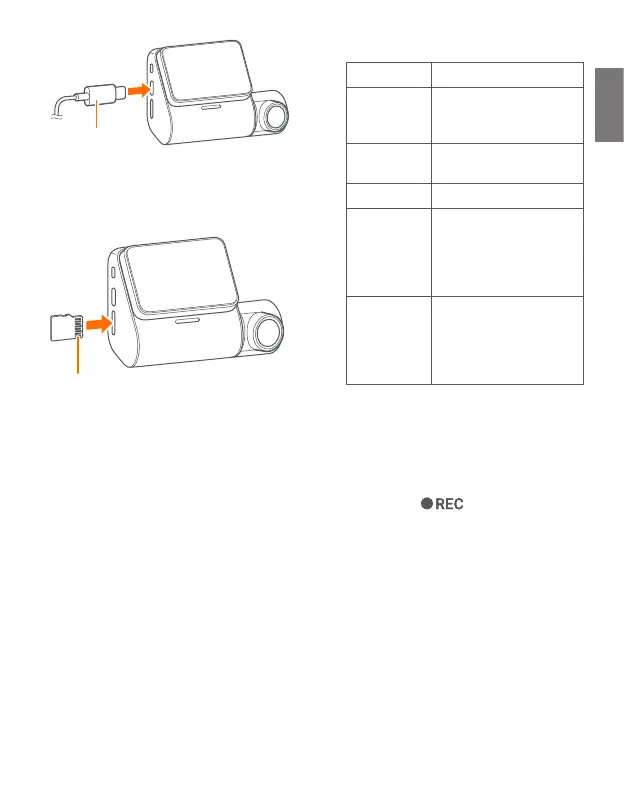
Power cord
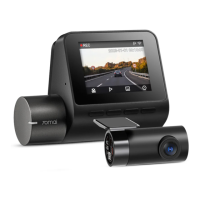
3. Insert the microSD card into
the dash cam.
Side with pins
4. Start the car.
The dash cam automatically turns
on and displays the initial settings
(language settings) screen.
5. Follow the instructions on the
screen to complete the initial
setup.
During initial setup, the following
items will be set or displayed.
Press the function button under
each function icon to complete the
setup. For detailed information about
function buttons, refer to "Function
Buttons".
The reference is as follows:
Setting Description
System
language
Set the language
displayed on the
screen.
Startup
screen
The 70mai logo
appears on the screen.
System time Set the date and time.
Parking
surveillance
Enable or disable the
parking surveillance
function. Connect and
configure 70mai
Hardwire Kit (optional)
70mai app
download
You can scan the QR
code on your
smartphone and
download the 70mai
app.
• You can also perform initial setup
later.
6. After initial setup, the dash cam
displays the normal recording
screen.
• If the icon is displayed in the
upper left corner of the screen and
the (red dot icon) is flashing, you can
use the dash cam normally.
7. Turn off the engine, and
disconnect the power cord from
the dash cam and cigarette
lighter socket.
Refer to "Installation" to install the
dash cam.


 To Next Page