6
Installation
Before installing the dash cam, perform
"Operation Check and Initial Setup".
Installing the dash cam
1. Clean the installation surface of
the front windshield, and attach
the supplied electrostatic
sticker to the installation
position of the dash cam.
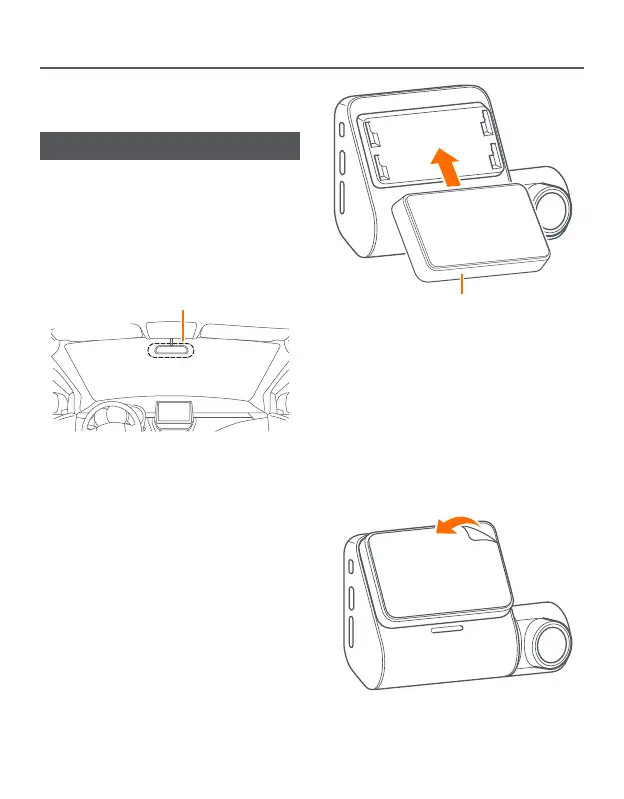
Recommended installation area
Attach the electrostatic sticker to the
recommended installation area on
the front windshield. Carefully press
the sticker to remove bubbles.
You are advised to install at a position
that does not obstruct the driver's
view and avoid the edge of the
windshield.
• You can use the glass cleaner to
remove dirt and grease from the
installation position to avoid affecting
the adhesion.
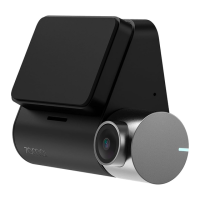
2. Install the supplied mount on
the dash cam.
Mount
Align the mount with the installation
slot and slide it upwards to fix it onto
the dash cam.
3. Remove the protective film
from the double-sided tape on
the mount, and then stick the
dash cam onto the electrostatic
sticker on the front windshield.


 To Next Page