| Main Functions
28
PBC
First press the WPS button on the router or select the button mode in the
configuration menu of the router, then select the PBC mode, the connec-
tion process will take a while, please be patient.
PIN
Input the pin code when you configure your router, then select the PIN
mode, the connection process will take a while, please be patient.
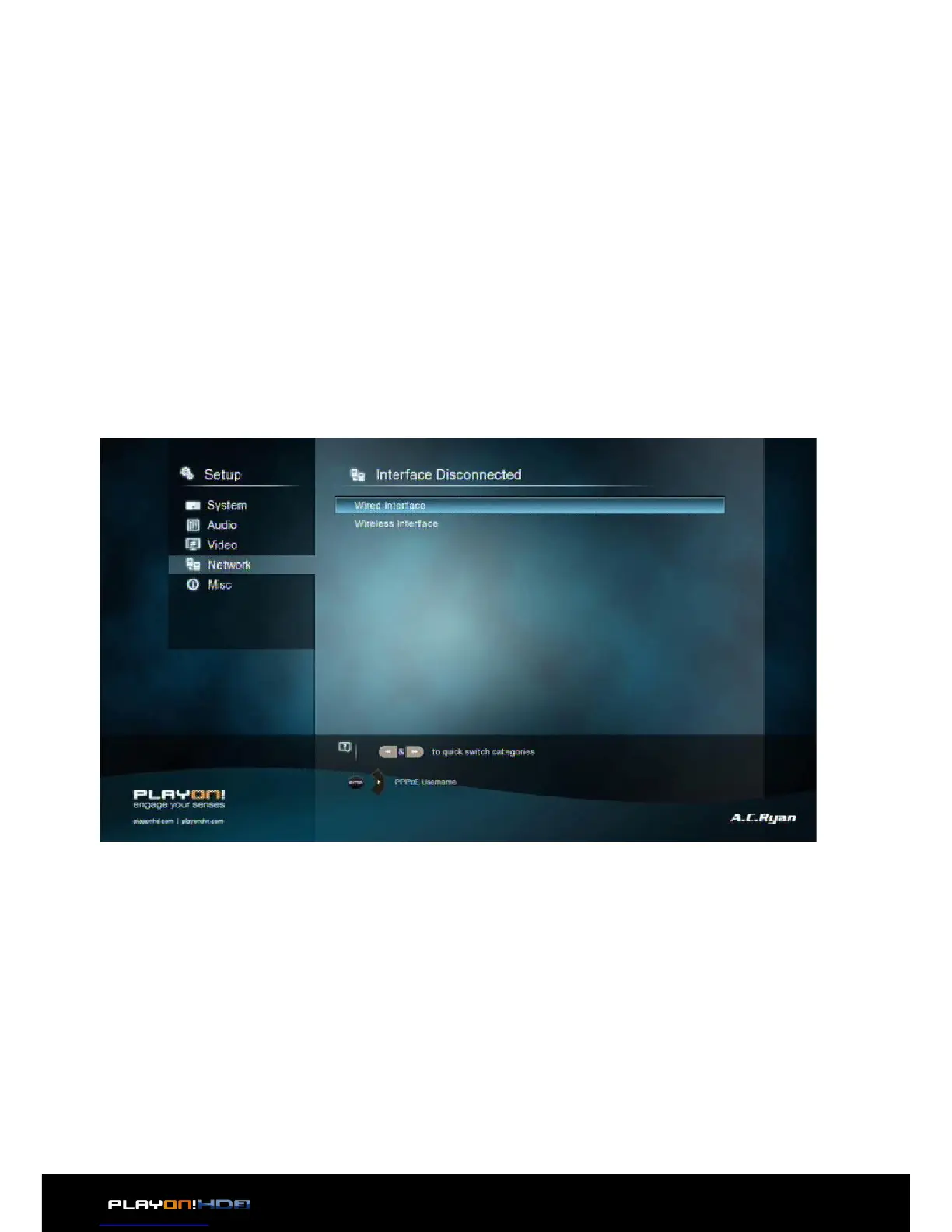
PPPOE Setup
• Input the ADSL account and password in this menu, system will obtain IP address
automatically from the server based on PPPOE protocol.
Step 1, Select the connection interface, wired or wireless


 To Next Page