Main Functions |
35
3.3 Photo Library
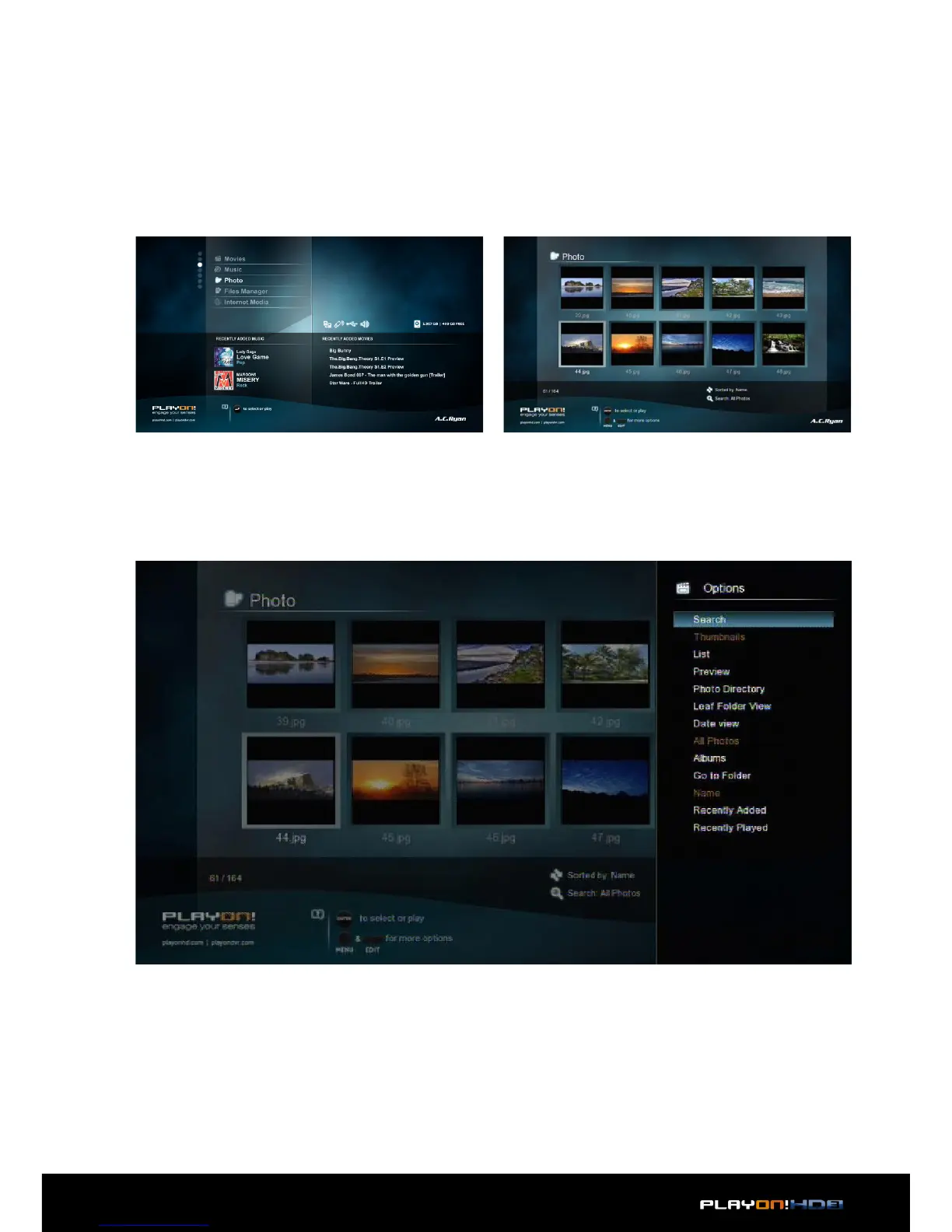
Enter the photo interface, only supported image files will be displayed.
This player supports JPEG/HD JPEG/BMP/GIF/TIF/PNG files.
3.3.1 Photo Library Options
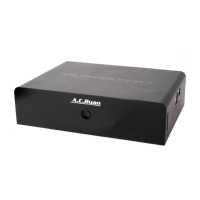
In photo library, press Menu button to display the option menu, you can access the
following functions trought the option menu.
Quick-Search
• Choose the Search option in the option menu, you can search for a photo by
entering keywords to locate the specific photo.
Layout Mode
• Choose a layout mode by Thumbnails, List and Preview from option menu.


 To Next Page