| Main Functions
32
Quick-Search
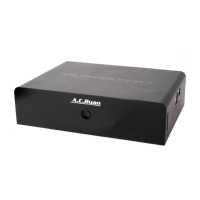
• Choose the Search option in the option menu, you can search for a media file
by entering keywords to locate the specific media file.
3.2.1 Movie Library Options
In movie library, press the Menu button to display the option menu, the following
functions are available through the option menu.
3.2 Movie Library
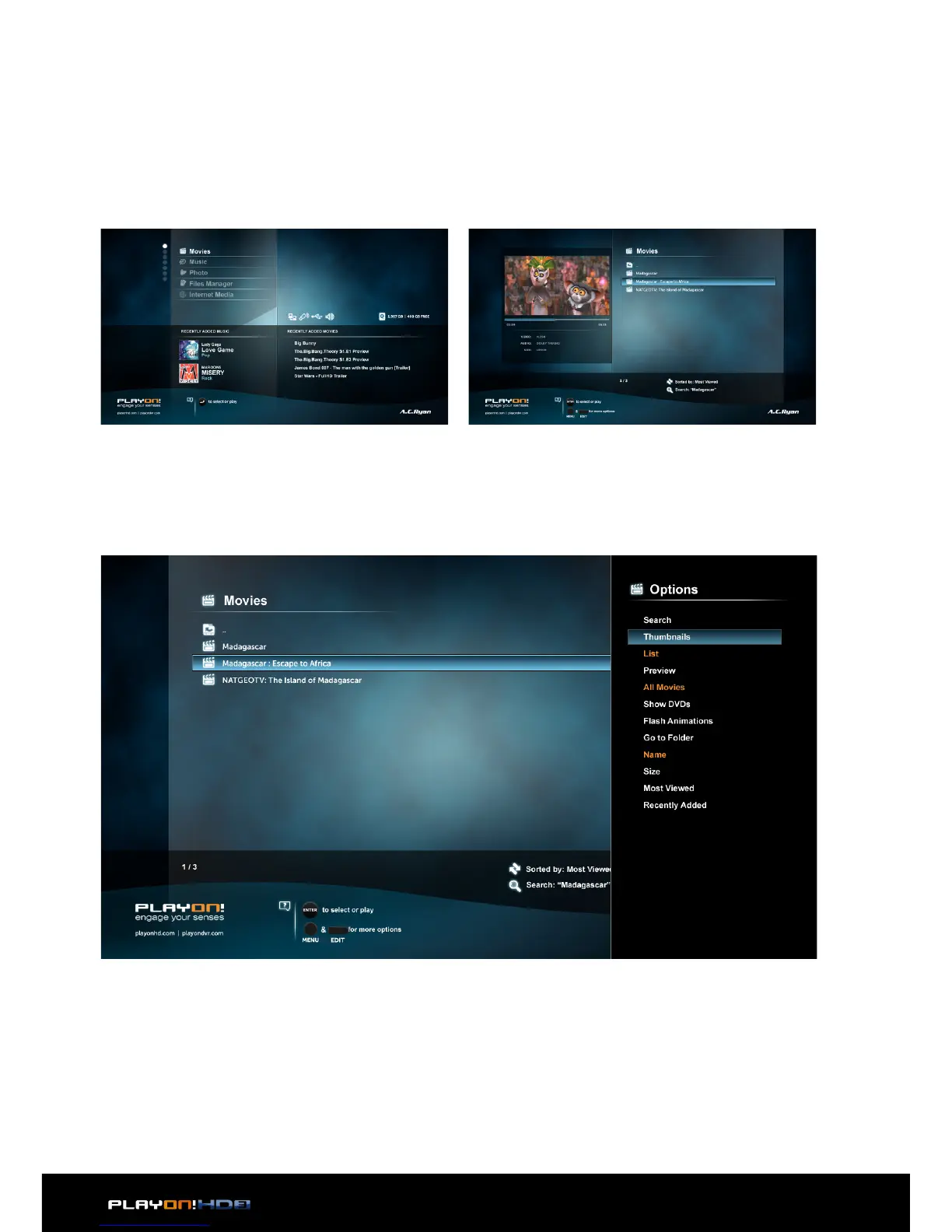
Enter into movie interface, only supported files will be displayed. Please refer to Ap-
pendixes in chapter ‘5.1 Specifications’ for more details about the supported files.
Layout Mode
• Choose a layout mode by Thumbnails, List and Preview from option menu.


 To Next Page