Main Functions |
31
USB Upgrade
• Select to update the firmware via a USB stick.
1. Copy ‘install.img’ or extension files to the root directory of a FAT32 format-
ted USB stick, and connect it to the USB HOST port of the player.
2. Press OK to confirm.
Edit Protection
To prevent deleting of files and formatting HDD by asking for a password.
The default password is ‘0000’. Press the numerical buttons to input, and the
OK button to confirm.
Password
• Change the password.
1. The default password is ‘0000’. Press the numerical buttons to input, and
the OK button to confirm.
Network Info
• This tab shows you information about your network, MAC Address, IP address
Gateway, Subnet.
HDD spin down
• Select the time-out duration to spin down your HDD after the desired idle time is
up. Please be patient when you access the HDD again due to its spin up.
Folder Access Protection
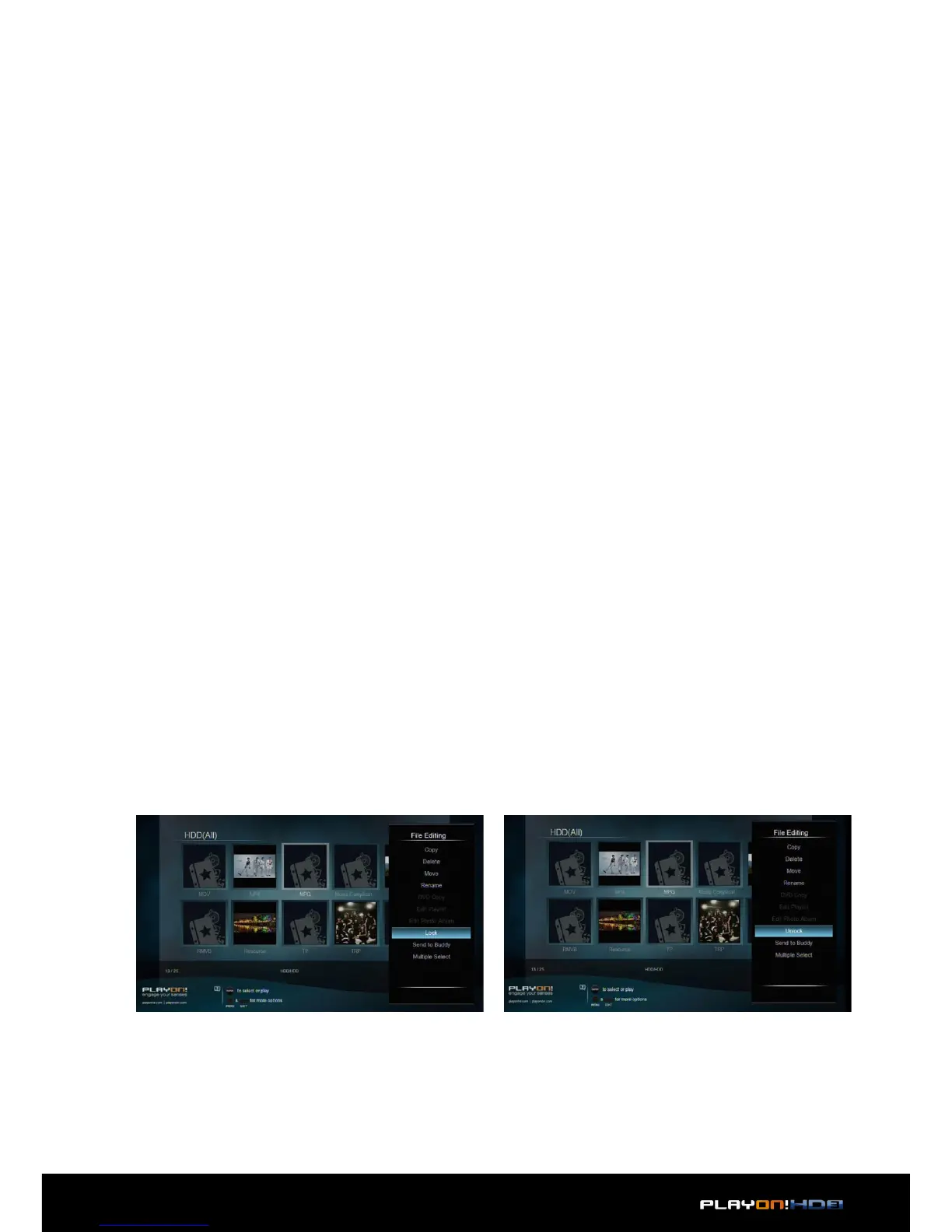
• Lock folders to prevent access to children.
1. To prevent deleting files and formatting HDD by asking for a password. The
default password is ‘0000’. Press the numerical buttons to input, and the OK
button to confirm.
2. In file manager, press Edit button to lock/unlock folder.


 To Next Page