| Main Functions
44
3.5.3.2 Sharing Media on your PC
The Media Sharing feature of Windows Media Player lets you enjoy the contents of
your Windows Media Player library from anywhere in your home.
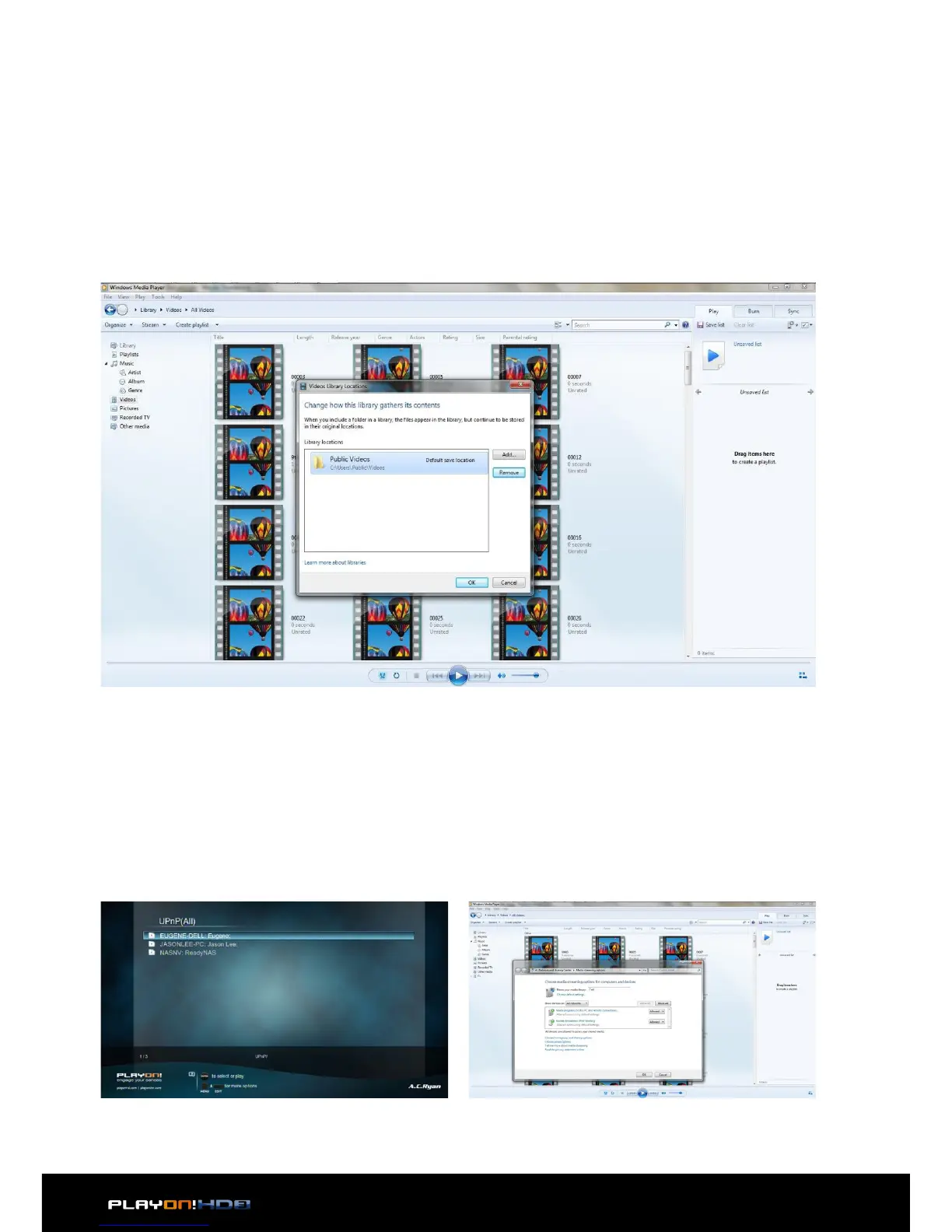
• Open Windows Media Player, click Organize -> Manage libraries to add or re-
move media files from the library.as an example.
3.5.3.3 Streaming Media on your Player
• Connect your player to the home network (LAN or WLAN).
• Visit File Manager - > UPnP menu on the player, select the UPnP-server, and
press OK.
• Click Stream -> More streaming options, then you can allow or deny devices to
access the media library. Click Allow to authorize your player.
• Then you can browse the media library shared by Windows Media Player.


 To Next Page