CAUTION
Read all precautions and instructions in this manual and make sure that all users of this set of
ROXs are adequately informed of all warnings and precautions before using ROXs. Use ROXs
only as described in this manual. Save this manual for future reference. To download the latest
version of the manual go to: www.playroxs.com/manual.
Content
ROXs BOX
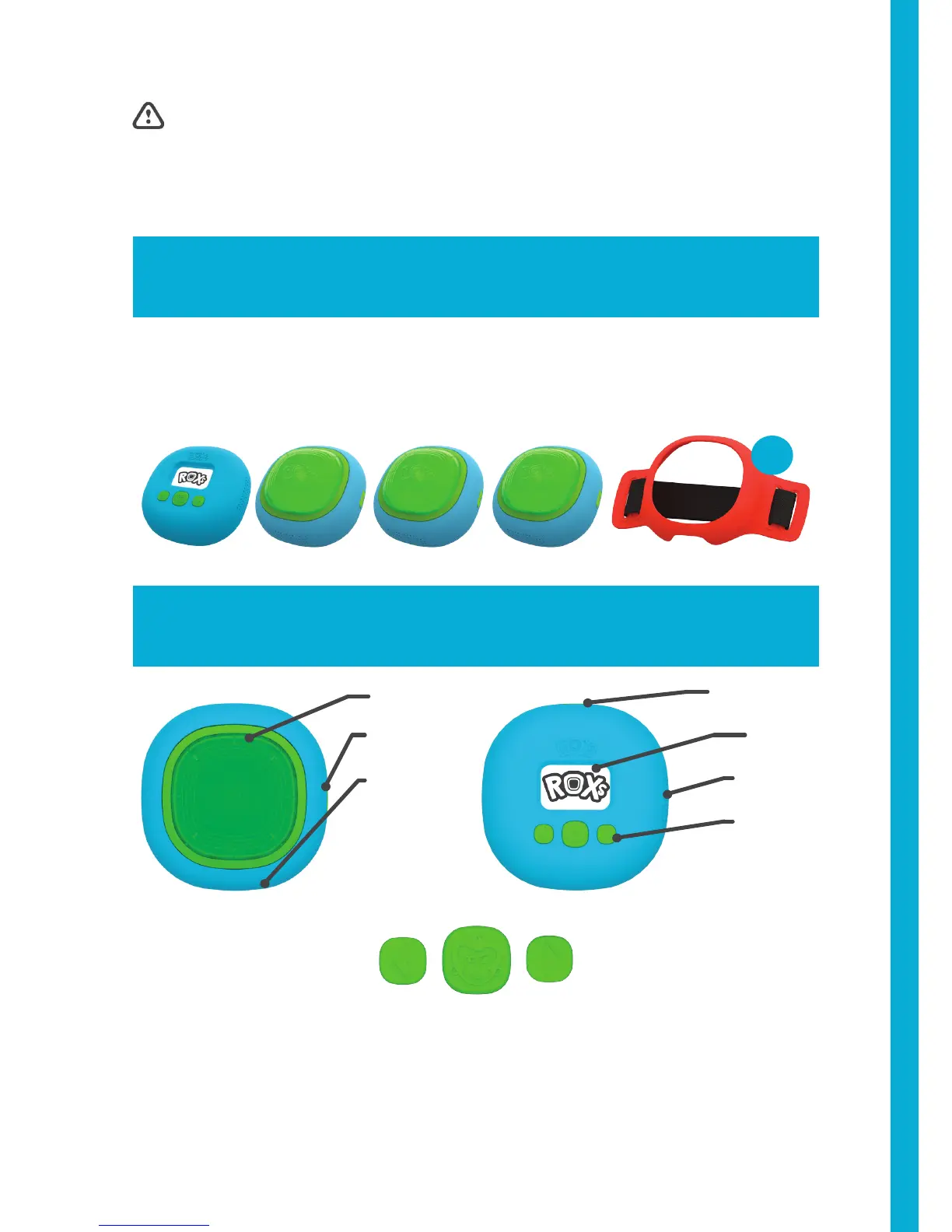
1 ROXs controller • 3 ROXs • 3 Straps
ROXs & Controller
NEXT
BACK
BUTTONS
Speaker
Screen
Buttons
Micro USB
Tap area
Micro USB
Speaker
TURN ON: Press “enter button” for 3 seconds
TURN OFF: Press “back” and “next” buttons simultaneously for 3 seconds
GO BACK IN MENU: Press “back” button for 3 seconds
CANCEL A GAME: Press “back” button for 3 seconds
x3
ENTER
2



 To Next Page