5
Get started
1
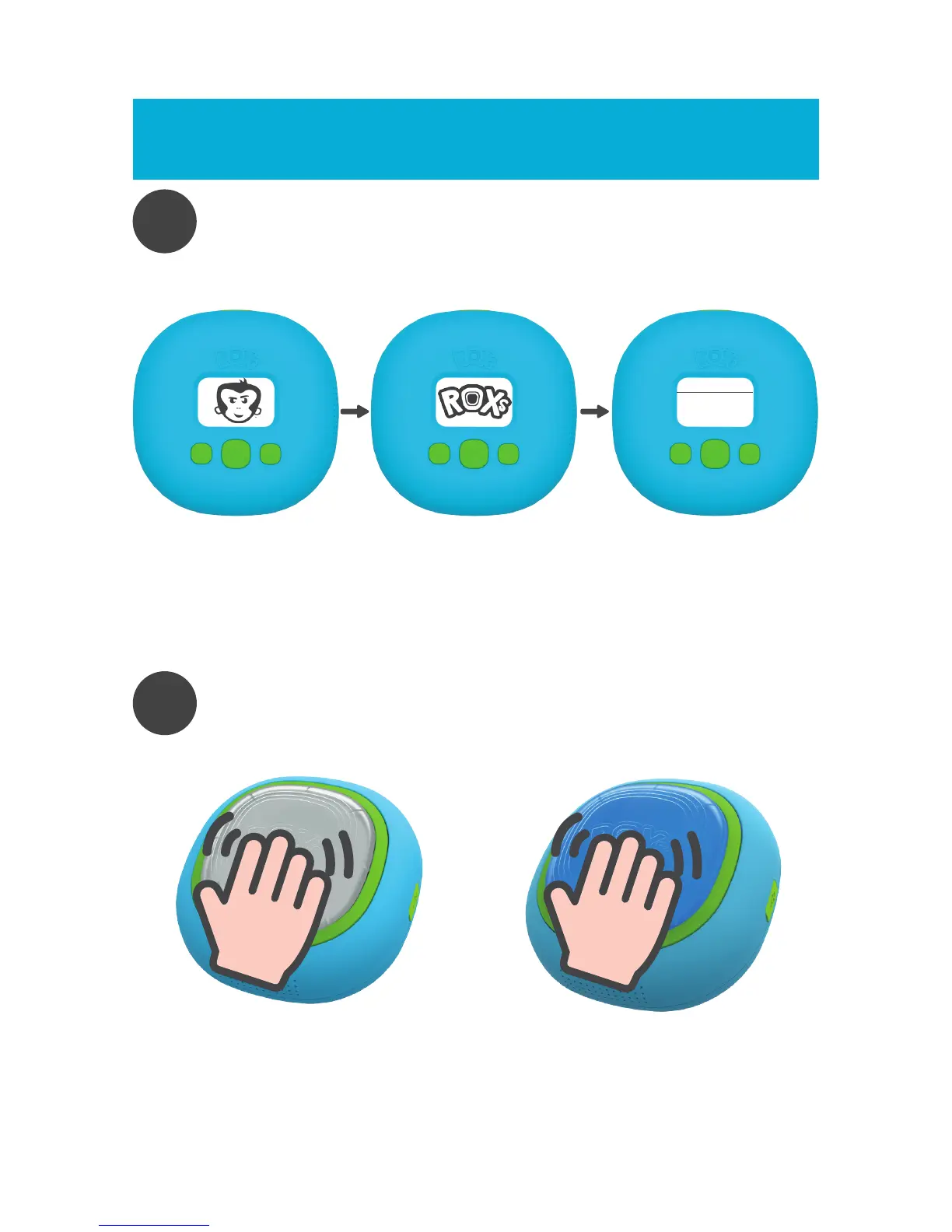
TURN ON CONTROLLER
Turn on the controller by pressing the enter button for 3 seconds
Turn on ROXs
00
FOUND
ROXs
Once the controller is on, the screen will light up and will display the
A-Champs monkey logo followed by the ROXs logo. Then the screen will
show “00 ROXs FOUND”.
Now it is time to connect the ROXs.
2
CONNECT ROXs
Take one of the ROXs (the controller should show “0 ROXs FOUND”).
Now start tapping it multiple times.



 To Next Page