8
4
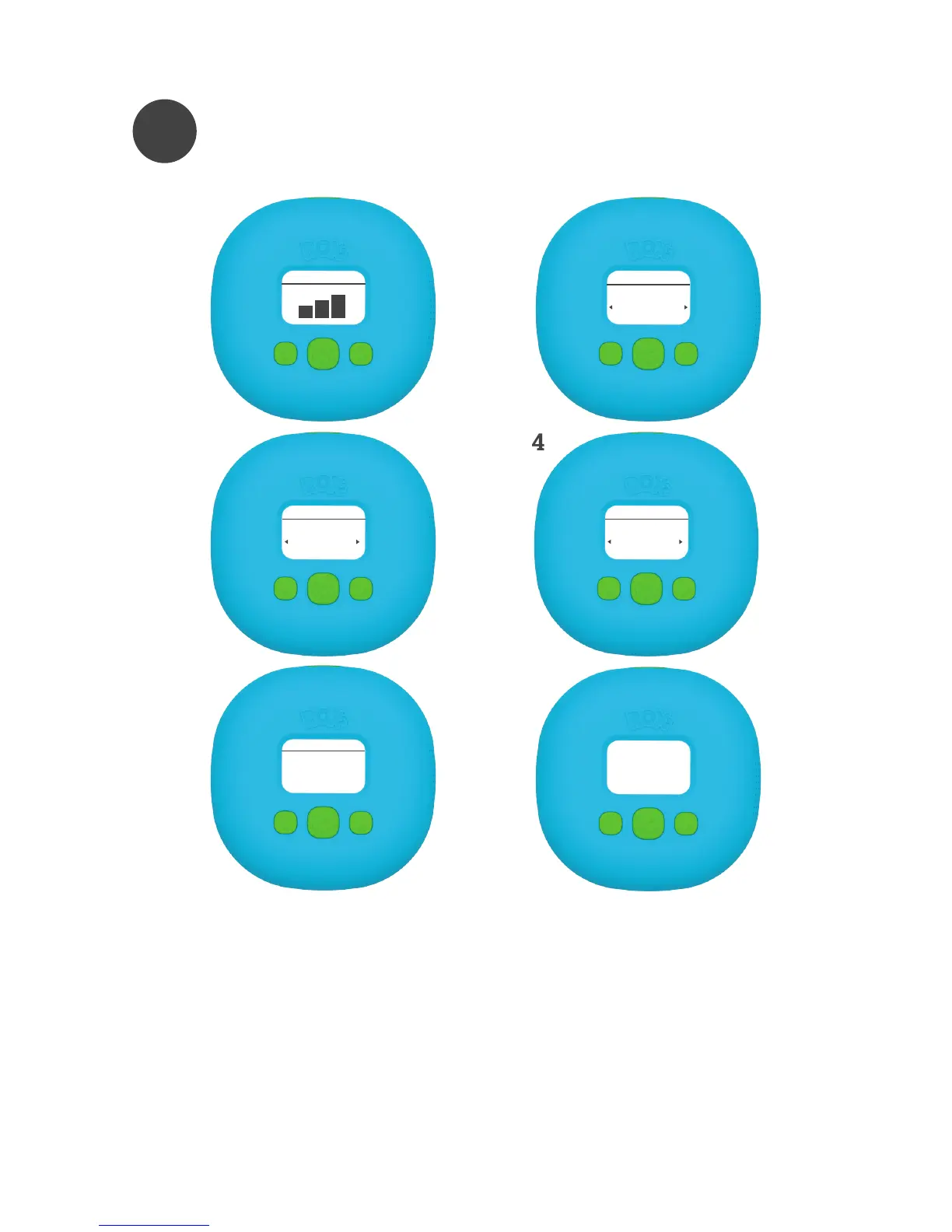
GAME SELECTION
1.Select volume level and press “enter” to conrm.
2.Select player prole and press “enter” to conrm.
3.Select the game you want to play and press “enter” to conrm.
4.Select the amount of ROXs for the game and press “enter” to conrm.
5.Screen will indicate if all ROXs are found. If all of them are found, press “en
ter” to conrm. (If a ROXs is not found, move it closer to controller).
6.PLAY! (Place controller within a distance of 30ft (10m) to each ROXs. Do not
place controller below ground level).
Volume 15
1
Select Game
01
Crazy Chicken
3
Select Player
01
PLAYER 01
2
00
READY
ROXs
Place ROXs
5
Ready,
Set,
GO!
6
4
Select ROXs Number
Crazy Chicken
00



 To Next Page