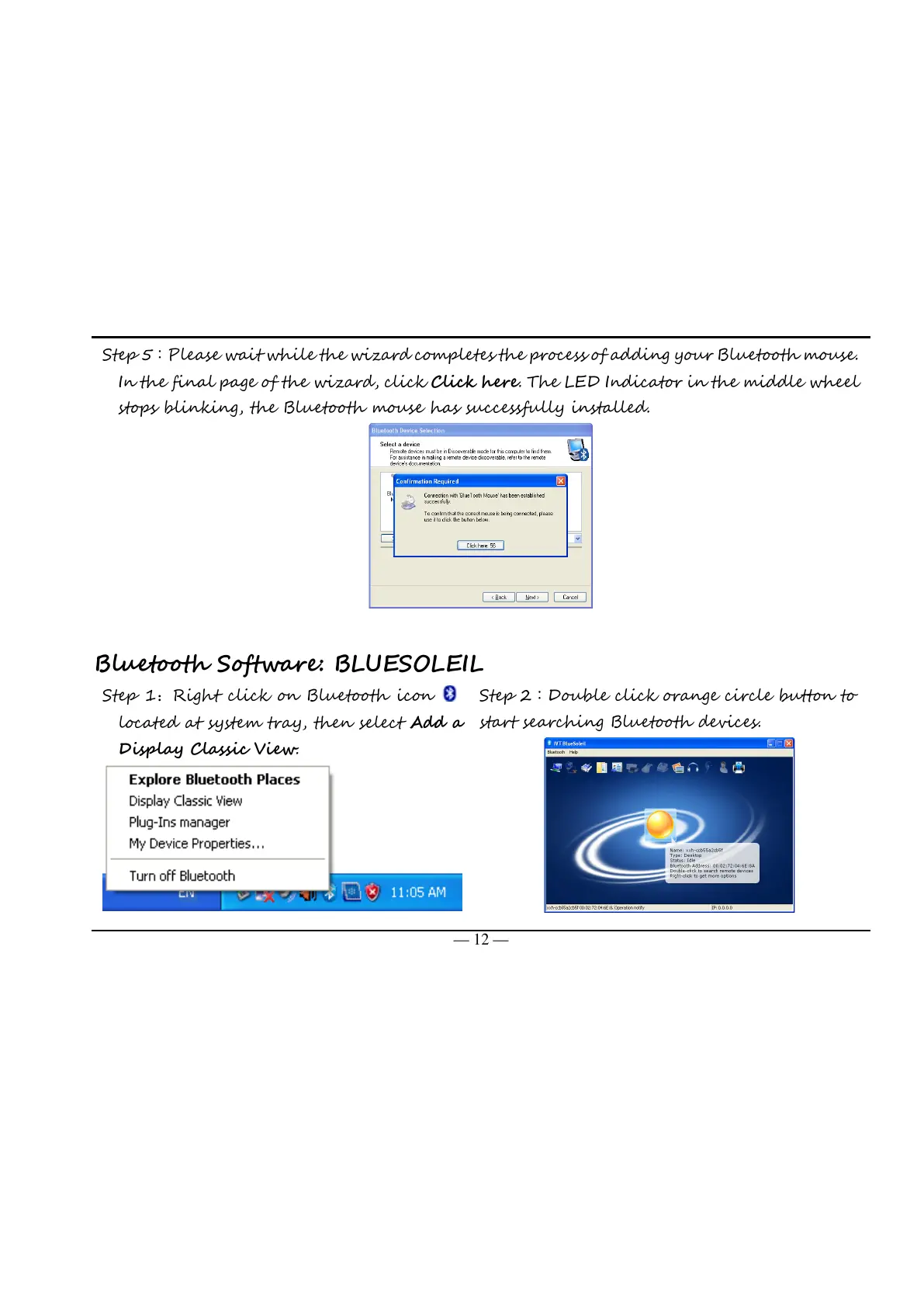
Please wait while the wizard completes the process of adding your Bluetooth mouse.
In the final page of the wizard, click Click here. The LED Indicator in the middle wheel
stops blinking, the Bluetooth mouse has successfully installed.
Bluetooth Software: BLUESOLEIL
Right click on Bluetooth icon
located at system tray, then select Add a
Display Classic View.
Double click orange circle button to
start searching Bluetooth devices.
All manuals and user guides at all-guides.com



 To Next Page