software.
2. Insert enclosed CD to start installation.
3. Follow on-screen instructions to complete the installation.
4. The icon will appear on your desktop, then you have successfully installed the
software.
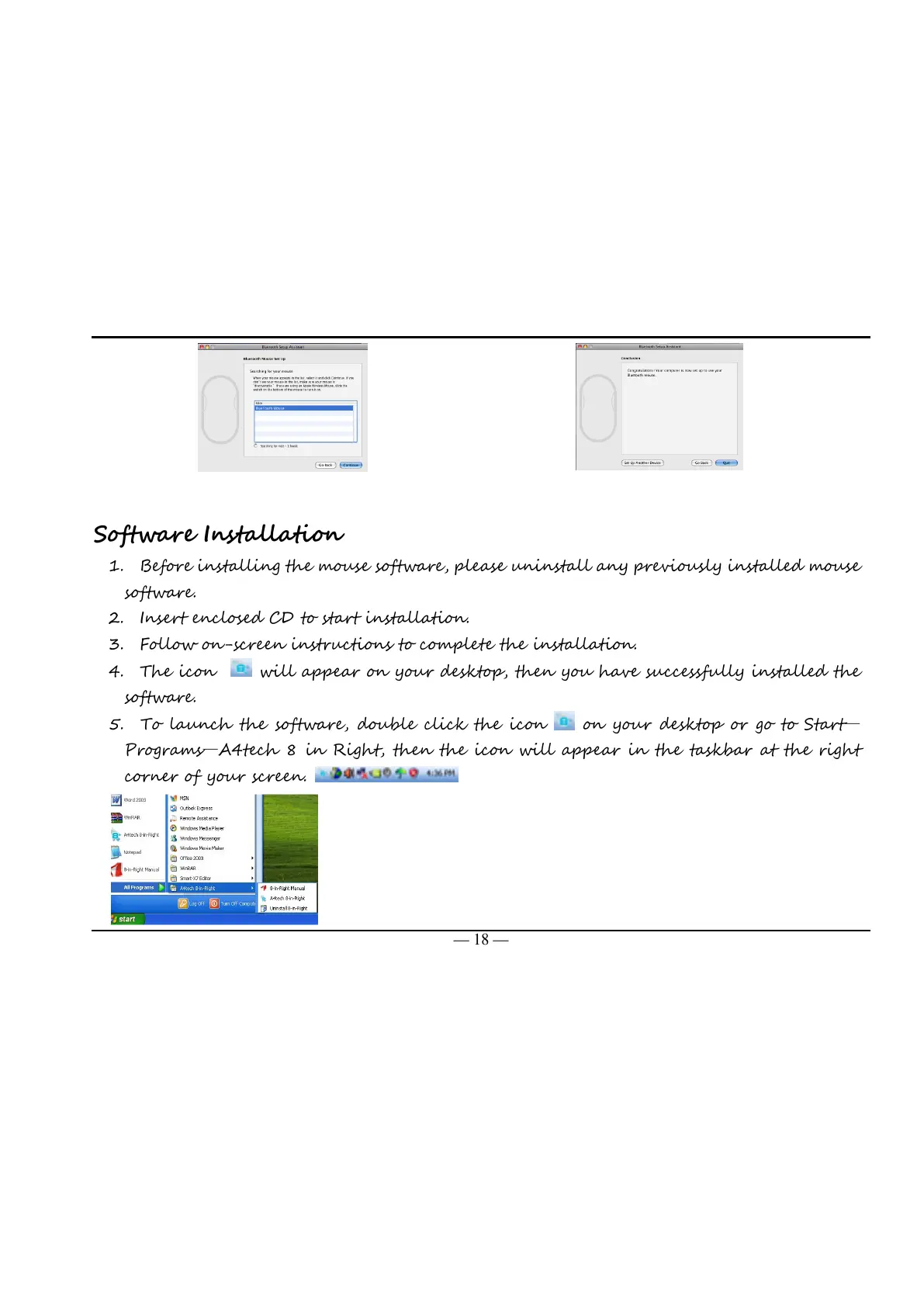
5. To launch the software, double click the icon on your desktop or go to Start—
Programs—A4tech 8 in Right, then the icon will appear in the taskbar at the right
corner of your screen.



 To Next Page