- 4 -
Operating Warnings: For optimal performance and RF (Radio Frequency) reception:
Avoid using the wireless keyboard on a metal desk or a desk with a metal frame can cause problems with pointing device behavior and range.
Hardware Installation
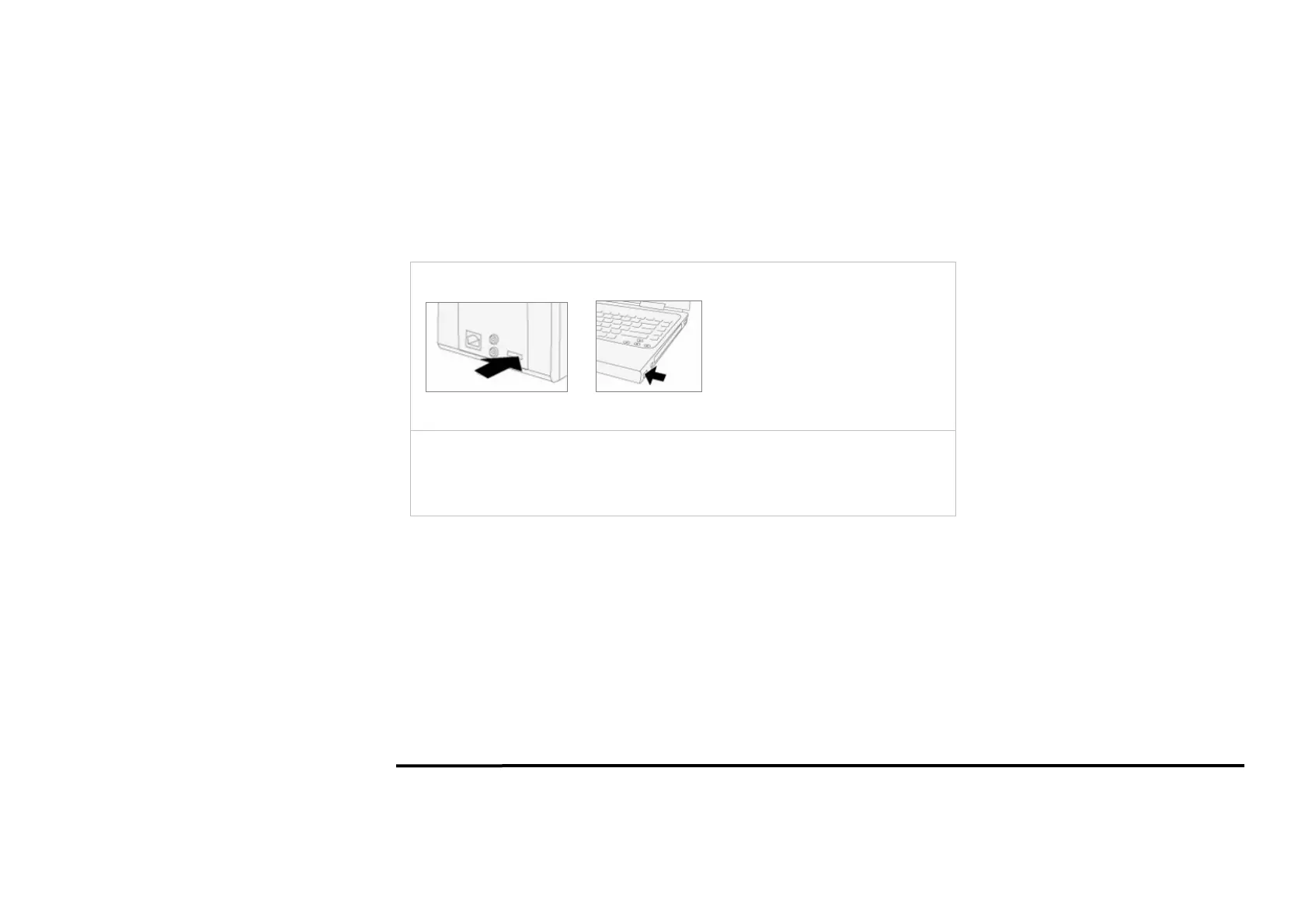
Plug receiver into USB port of your computer or notebook.
Insert the supplied battery, making sure that the positive (+) and negative (-) ends of
the battery match the polarity indicators inside the battery housing. and power will be
automatically on. Now you can use the keyboard.


 To Next Page