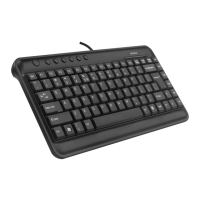
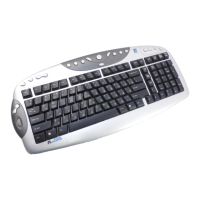
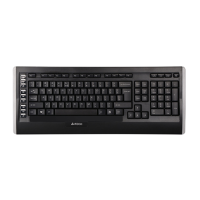
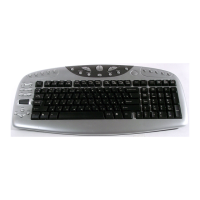
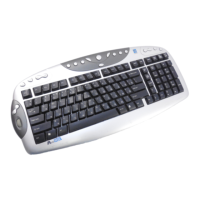
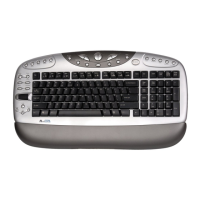
Using 17 Multi-media Hotkey
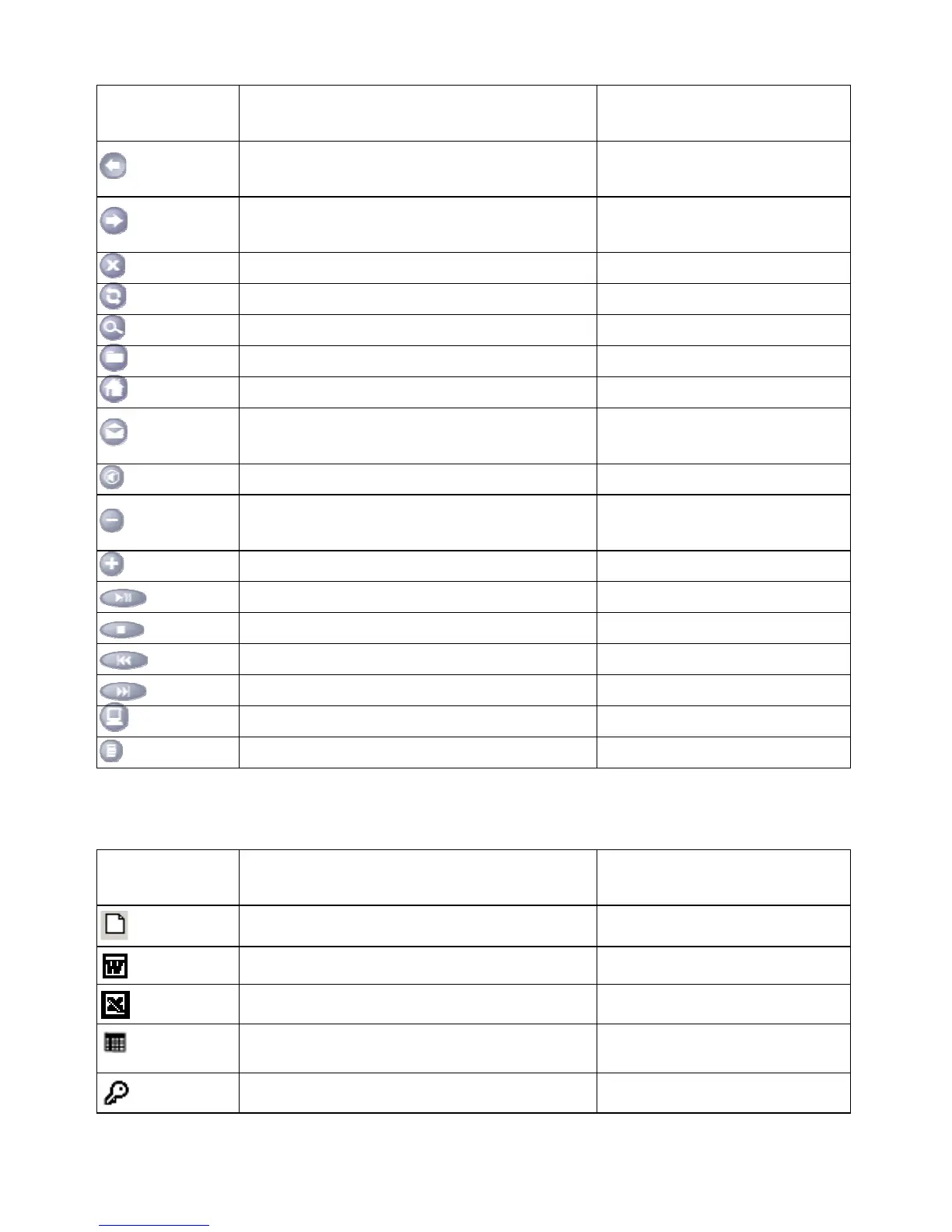
Hot Keys Default Functions Microsoft Office program
functions
Back
Back to previous page - Font Size: Decrease font size in
Microsoft Word.
Forward
Forward to next page + Font Size: Font size in
Microsoft Word.
Stop Stop download the page New Office Document.
Refresh Refresh the page Open Office Document
Search Web search Address Book
Favorites My favorite WinZip
Web/Home My Home key: Accesses your home web page. Microsoft Word
Mail
E-mail key: Launches an e-mail application. Open default Email Software.
(Ex: Outlook Express)
Mute Mute key: Stop/Start the sound volume. Open Microsoft Outlook
Volume -
Volume Down key: Decreases the sound
volume.
Zoom Out
Volume + Volume Up key: Increase the sound volume. Zoom In
Play Play/Pause key: Plays or pauses the CD/DVD. Microsoft Excel
Stop Stop key: Stops play. Internet Brower
Previous Previous Track Key: Plays the previous track. Previous Document
Next Next Track key: Plays the next track. Next Document
My Computer Open My Computer folder Open My Document folder
Calculator Calculator: Display online calculator Office Tools
Using 12 Office Hotkey
Hot Keys Default Functions Microsoft Office program
functions
File
Open a new Office file Editing key by user
Word
Open Microsoft Word Programmer Editing key by user
Excel
Open Microsoft Excel Programmer Editing key by user
Calendar
Open calendar in Microsoft Outlook Open Microsoft Excel
Programmer
Log Off
Open Microsoft FrontPage Editing key by user
2


 To Next Page