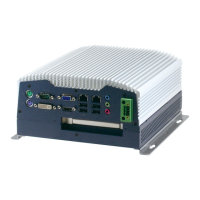
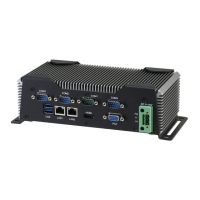
Embedded Controller AEC-6850
Chapter 4 Driver Installation 4 - 2
The AEC-6850 comes with a CD-ROM that contains all
drivers and utilities that meet your needs.
Follow the sequence below to install the drivers:
Step 1 – Install Intel INF Update for Windows 9x-2003
Step 2 – Install Intel Extreme Graphics 2 Driver
Step 3 – Install Intel LAN Driver
Step 4 – Install Realtek AC97 codec Driver
Step 5 – Install USB Card Reader Driver
USB 2.0 Drivers are available for download using Windows
Update for both Windows XP and Windows 2000. For
additional information regarding USB 2.0 support in Windows
XP and Windows 2000, please visit
www.microsoft.com/hwdev/usb/.
Please read instructions below for further detailed
installations.


 To Next Page