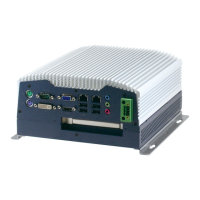
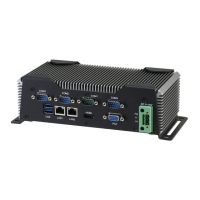
Embedded Controller AEC-6850
Chapter 4 Drivers Installation 4 - 3
4.1 Installation
Insert the AEC-6850 CD-ROM into the CD-ROM Drive. And
install the drivers from Step 1 to Step 5 in order.
Step 1 – Install Intel INF Update for Windows 9x-2003
1. Click on the Step 1 - Intel INF Update for Windows
9x-2003 folder and then double click on the setup.exe.
2. Follow the instructions that the window shows you
3. The system will help you install the driver automatically
Step 2 – Install Intel Extreme Graphics 2 Driver
1. Click on the Step 2 - Intel Extreme Graphics 2 Driver
folder and select the OS your system is
2. Double click on the setup.exe
3. Follow the instructions that the window shows you
4. The system will help you install the driver automatically
5. Please re-start your computer
Remark: You can choose the different display ways by
pressing below hot key,
Ctrl+Alt+F1=CRT, Ctrl+Alt+F2=LCD, Ctrl+Alt+F3=TV,
Ctrl+Alt+F4=DVI, Ctrl+Alt+F12=Graphic Control Panel
Step 3 – Install Intel LAN Driver
1. Click on the Step 3 - Intel LAN Driver folder and select
the OS your system is
2. Double click on the .exe file


 To Next Page